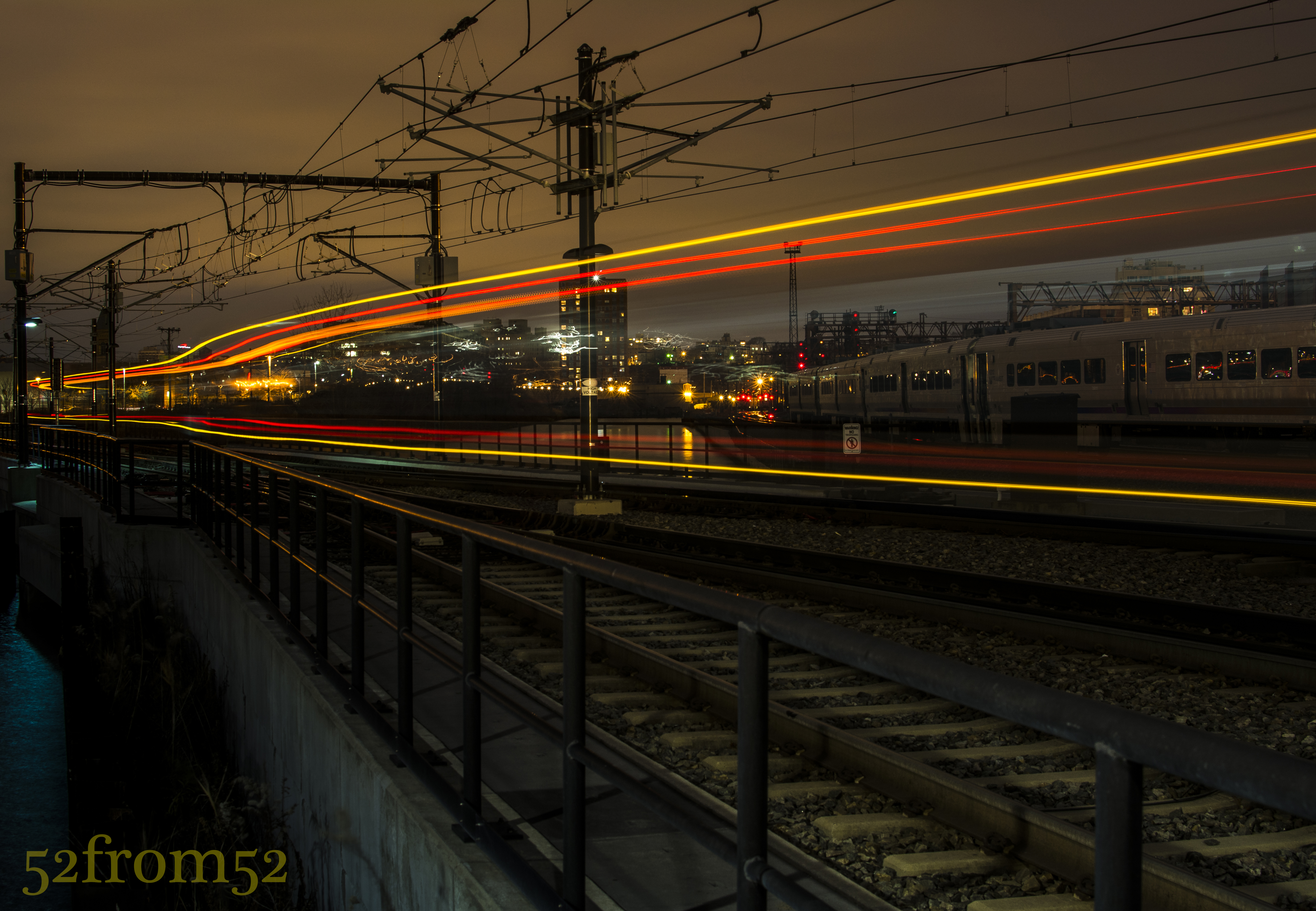
Picture info: ISO 100, 35mm, f/9, 30sec, 0.6 neutral density filter, -2 exposure stops
Week 17 (11/25/2013 – 12/1/2013): Hoboken Light Rail Station
Picture taken on 11/30/2013 at 5:12 PM
Picture description:
Opportunities come and go, and sometimes you only have one shot to take advantage of them. That was absolutely the case for my week 17 picture. This week I picked up some neutral density filters (I’ll explain what these are in the concepts section) which I wanted to experiment with. Coming into the week my goal was to venture into the city to get some kind of street shot/long exposure. When it came time to go out and shoot on Saturday I was a bit demotivated due to two things. First it was really cold outside, and the second reason was because of the conflicting online posts about wether or not it’s okay to use a tripod in New York City. Since I wasn’t in the mood to argue my way out of a ticket I decided to play it safe and set out for an area in Hoboken that I have been meaning to photograph for a while.
The location I chose for this week’s shoot was a walkway between the Hoboken train station and Newport, Jersey City. I’ve seen some really nice pictures on Flickr that were taken from this seemingly hidden location. Many of the pictures featured old dock posts of a broken down pier with either the Jersey City or New York city skylines in the background. With a couple clear pictures in mind I set up my tripod and started taking some long exposures.
After spending about 2 hours taking long exposures and chasing lots of seagulls I decided to call it a night. As I started to pack up my gear I spotted a potential picture which would feature the light-rail train as it left the station. I figured why not give it a shot? I quickly set up my tripod on the edge of the tracks in preparation for the next train. The trains were coming about every 30 minutes, so unless I wanted to wait out in the cold for the next one, I’d have only one shot at capturing a good picture. From the distance I heard the bell sound announcing the train’s pending departure, I quickly clicked my camera’s shutter release, sat back and watched as the light-rail moved in and out of the frame. After what seemed like an eternity, but really was only 30 seconds, my camera finished taking the picture and I eagerly awaited seeing what it captured. Once the preview came up on the screen I immediately knew this was the picture I had to feature in this week’s post.
Photography concepts:
This is the second “long exposure” post that I’ve done, the first being my week 6 picture “Night Light.” Since week 6 I’ve learned some new tricks for taking and editing long exposure pictures. As I am becoming better from past lessons, I’m able to add more moving parts and that’s what spurred on this week’s experiment with neutral density filters.
Neutral density filters, commonly called ND filters are pieces of glass that come in many shapes and sizes but ultimately block light from hitting your camera’s sensor. As I mentioned in this weeks description, my goal for the week was to get a long exposure but you don’t need an ND filter to do this. Although ND filter’s are not required for all long exposures, they are if you want to take a long exposure during the day or anytime there are bright light sources. With the use of ND filters you’re able to use settings that would usually not be feasible in certain conditions or due to other selected camera settings such as wide apertures. Usually when you use slow shutter speeds (20-30 second) you have to shrink your aperture to f/13-f/20 to limit the amount of light. f/13 isn’t bad but once you start approaching f/20 pictures lose their crispness, this is where the ND filters come in handy. Take the below picture for example. The sun was setting behind the buildings and flooding my camera’s sensor with light. Given the amount of light, and having already maxed out at the smallest aperture my lens can shoot with (f/20), I would usually only be able to use a fast shutter. With the use of the ND filters I was able to shoot with a 4 second shutter speed. For the below picture I used a combination of ND filters which totaled out at a 2.7 density rating, which is equivalent to -9 exposure stops.
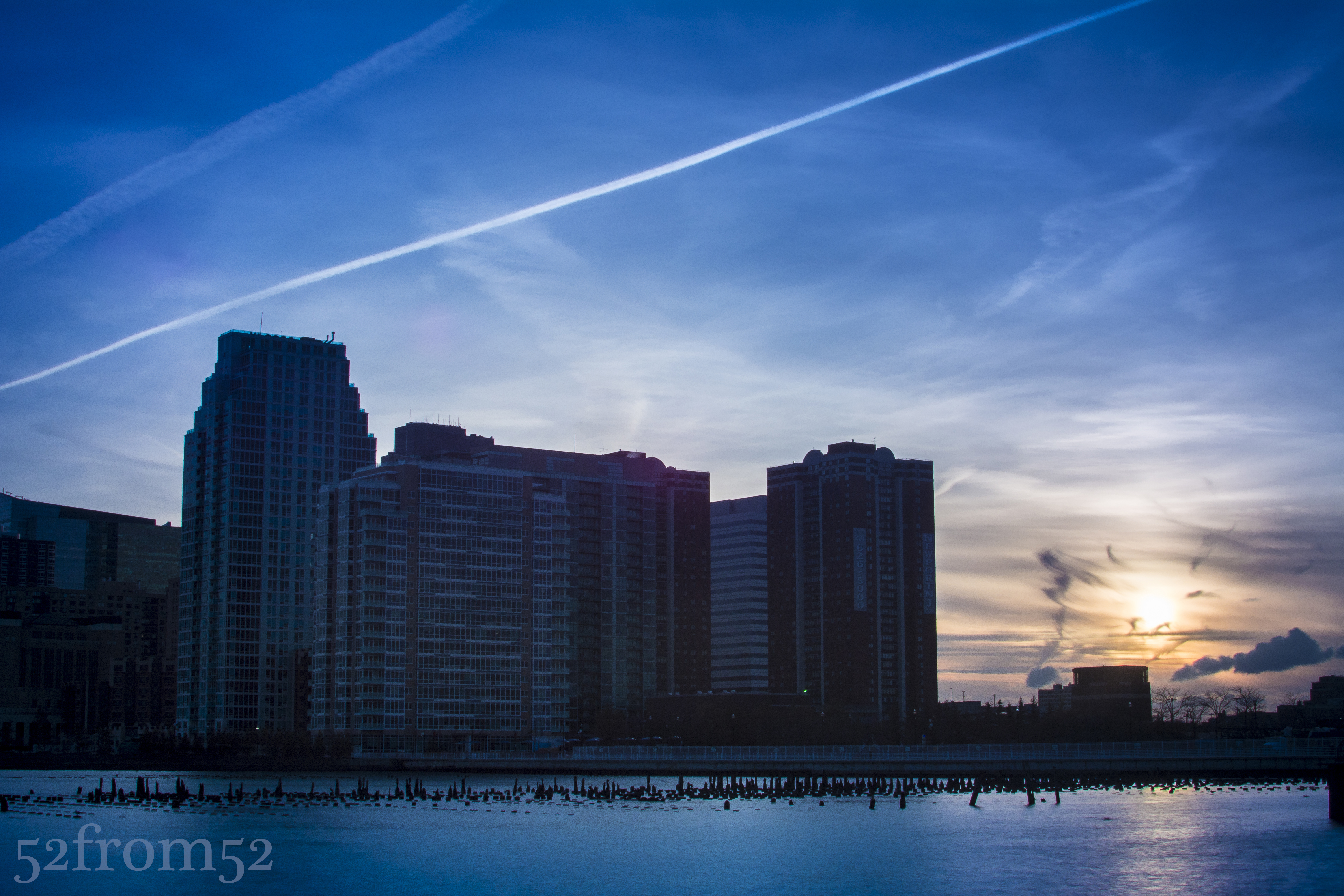
Picture info: ISO 100, 35mm, f/20, 4 sec, 2.7 ND filter, -2 exposure stops
Now you’re probably asking why would you want to do a long exposure for a picture such as this, and what are the effects? One reason/effect is the smooth and very reflective water. Notice how the water has begun to almost look like ice in the above picture. The smoothing effect is even more prevalent in the below picture where I used a 30 second exposure and a 0.6 ND filter.
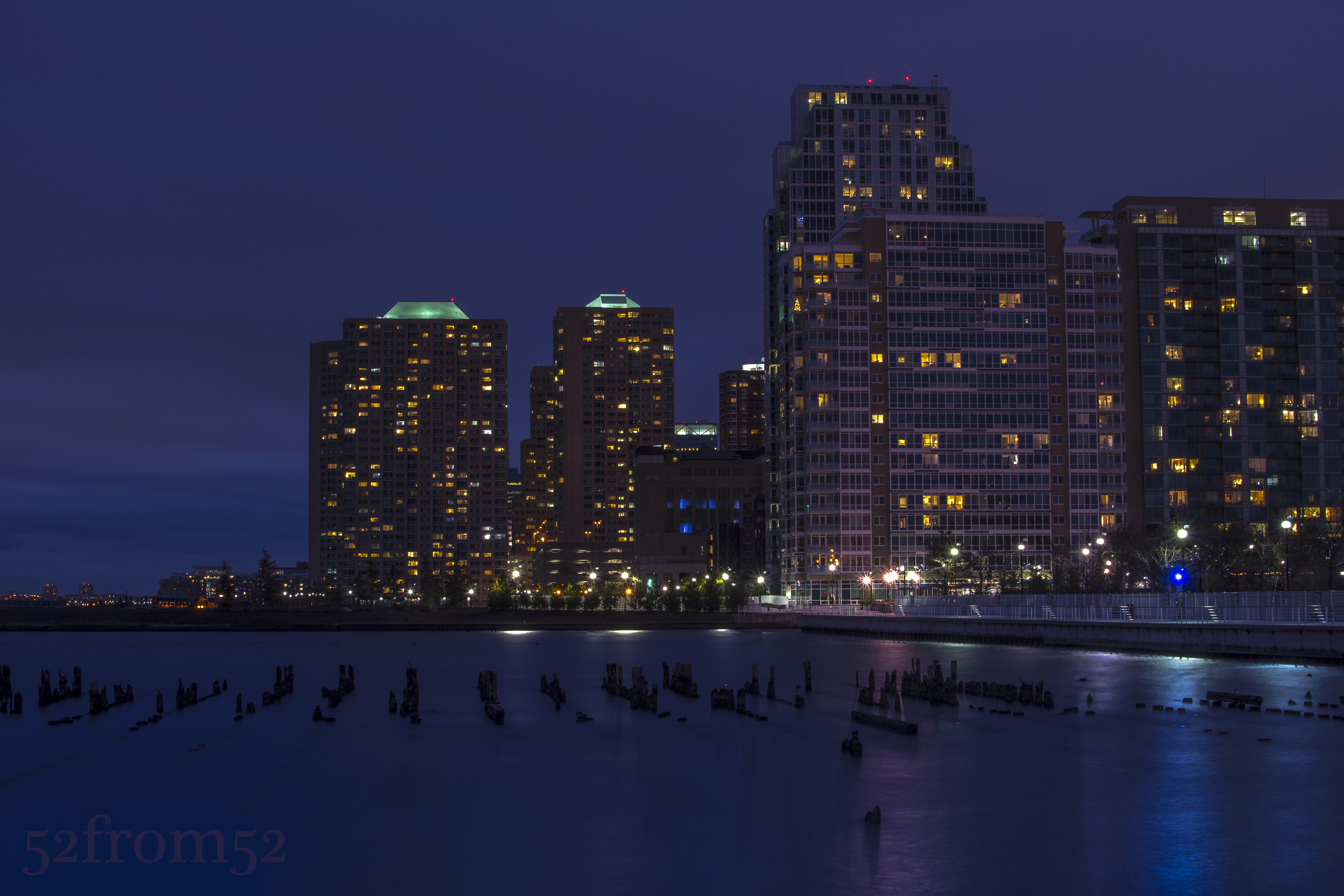
Picture info: ISO 100, 35mm, f/14, 30 sec, 0.6 ND filter, -2 exposure stops
All this being said, how did the ND filter help me with this week’s picture? In order for me to capture the train’s full movement from right to left I needed to use a 30 second shutter speed. As mentioned in previous blogs, night pictures look better when under exposed but even with dropping the exposure down 2 stops I still wasn’t able to hit the 30 second shutter speed mark. Add in the fact that once the train passed by my camera’s sensor was going to get a burst of light it was very important to somehow compensate. I didn’t want to shoot with too small of an aperture so here is where the ND filter came in. I used a 0.6 ND filter which is equivalent to -2 exposure stops, this allowed me to maintain a good night exposure, use an aperture of f/9 and hit my 30 second shutter speed. The result of the 30 second exposure was the very vivid light trail that’s featured in this week’s picture. This was my first time experimenting with the ND filters so expect some more pictures and feedback in some coming blogs. For more info on ND filters check out the below link.
 52 from 52