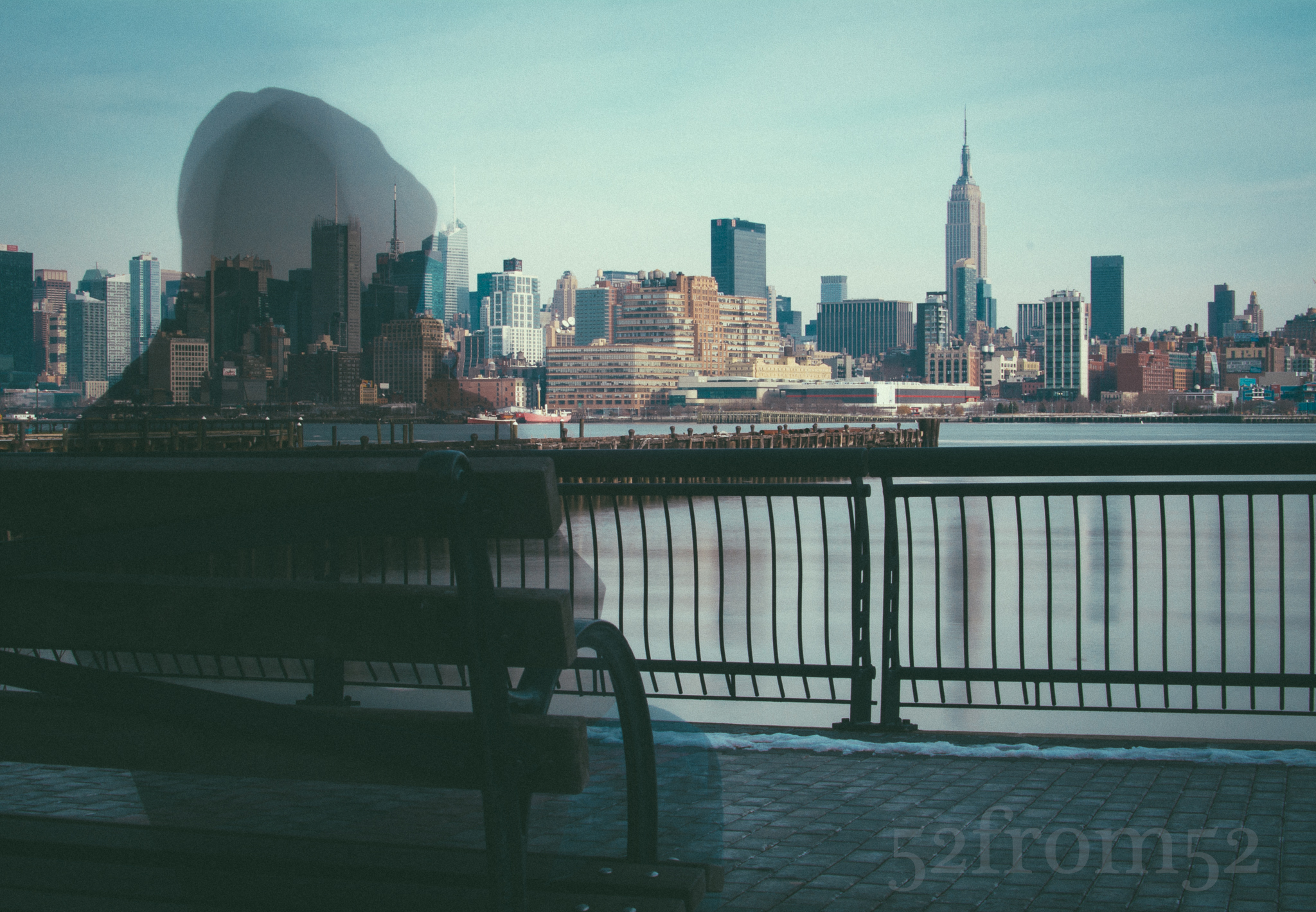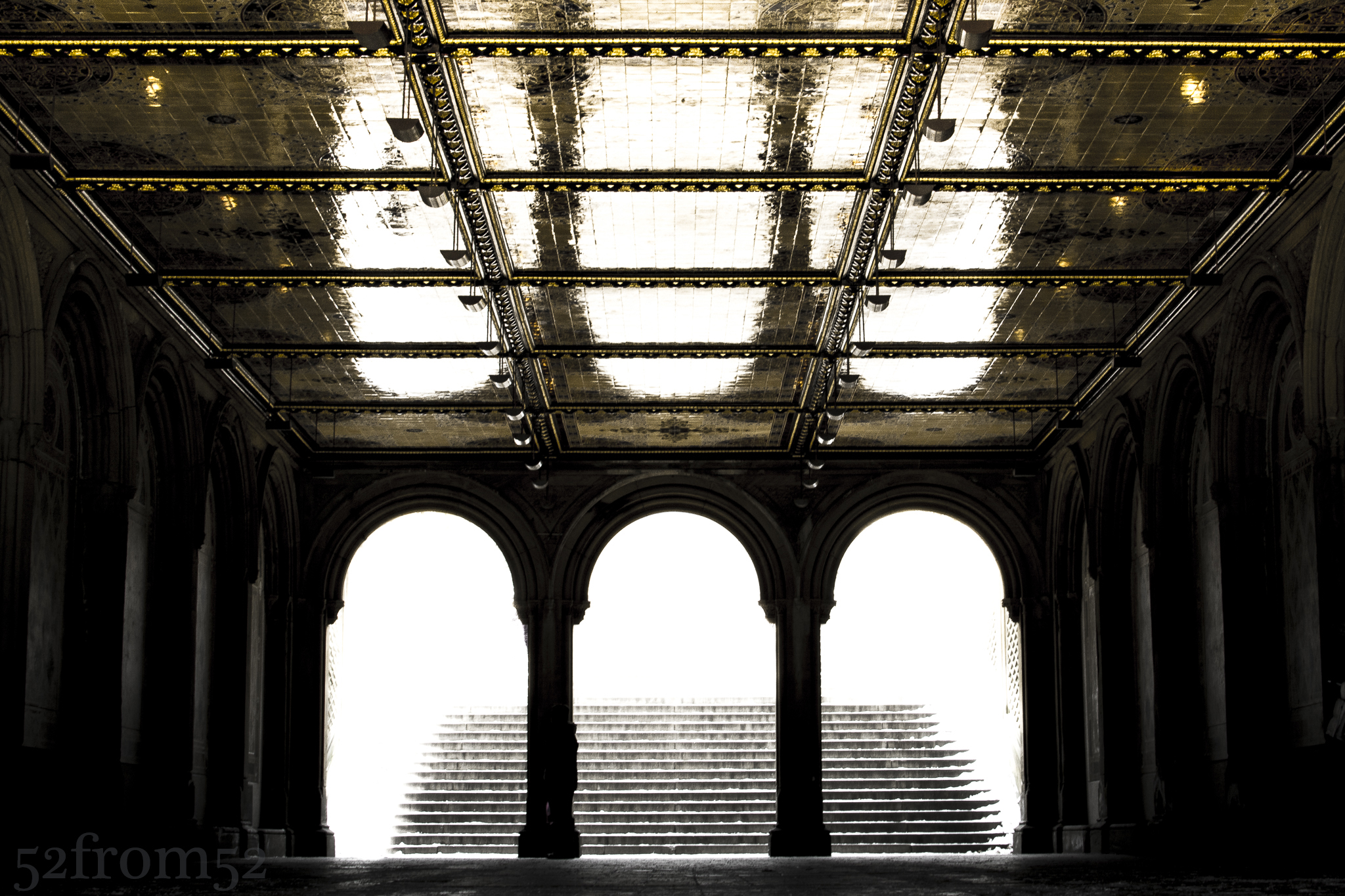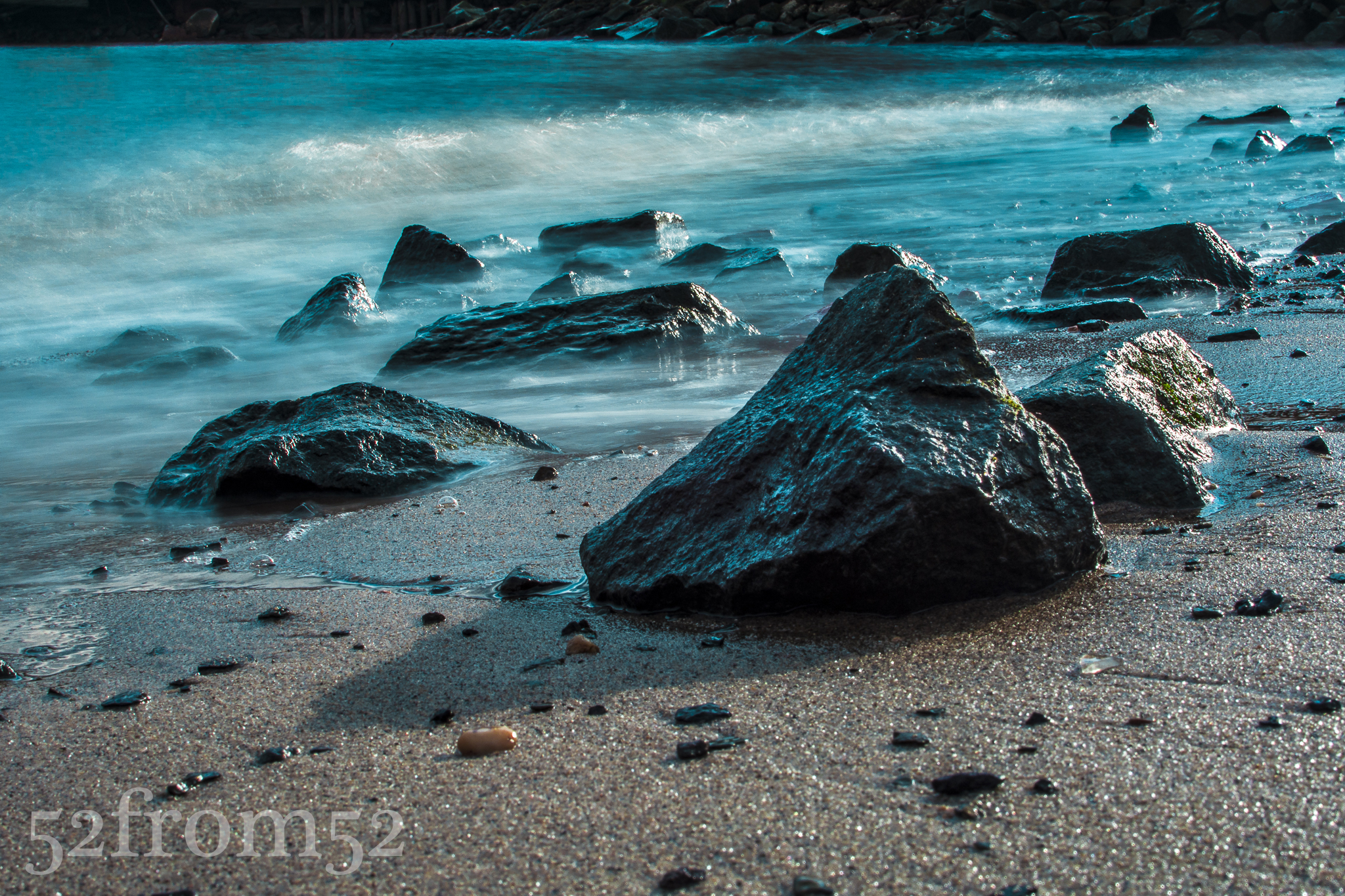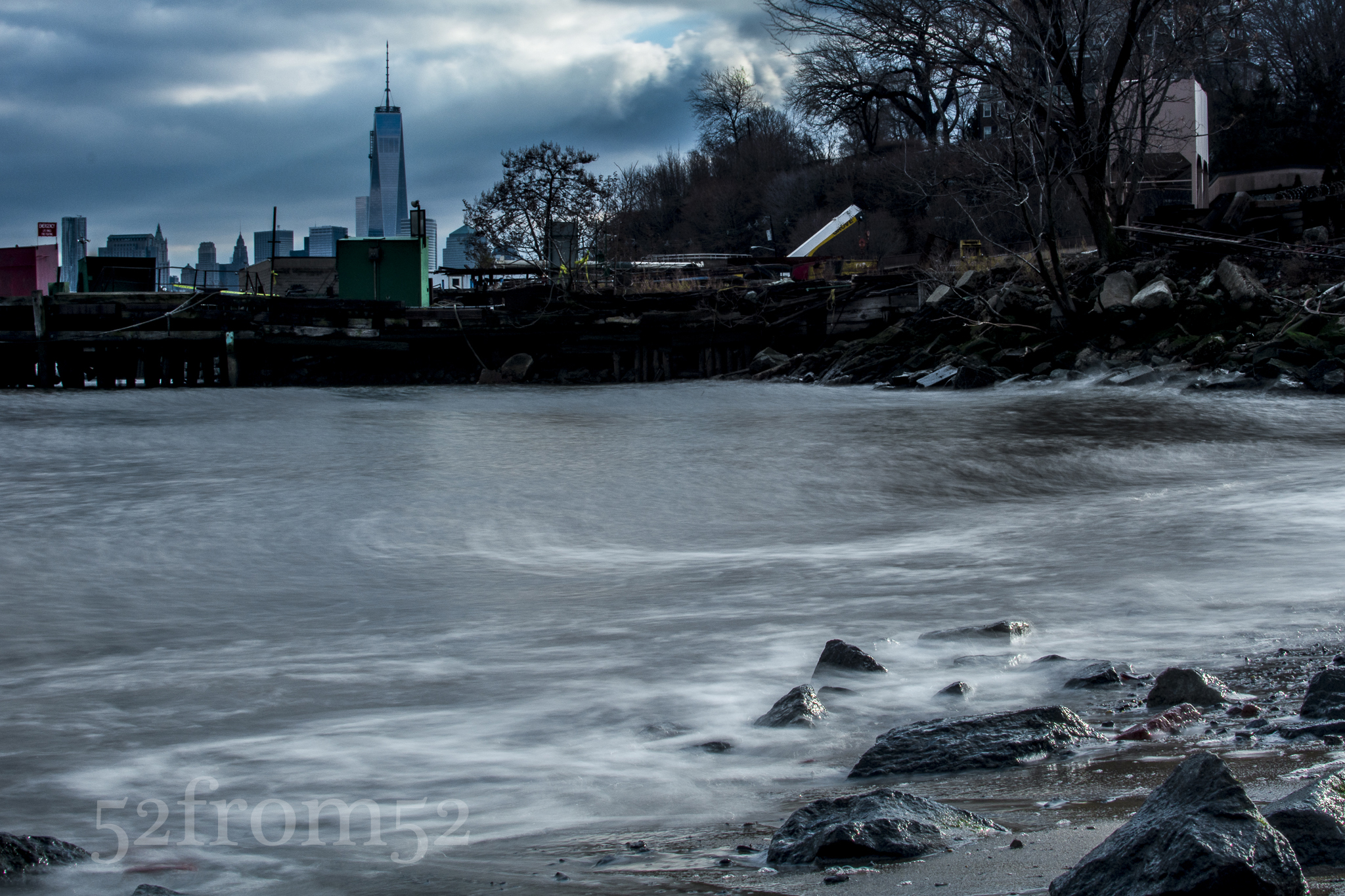
Cameo

Picture info: ISO 160, 36mm, f/4.0, 1/4000 sec

Picture info: ISO 160, 36mm, f/4.0, 1/4000 sec

Week 29 (2/17/2014 -2/23/2014): Wagner Park, New York, NY

Picture taken on 2/23/2014 at 5:13 PM

Photograph description:

There is a first for everything, and this week was a feast of firsts. For starters, this week was the first time that I didn’t post within my weekly deadline.  After a busy weekend when it came time to write my post on Sunday night, I  couldn’t resist collapsing face down on my plush tempurpedic.  Other than my latent post, this week also marked the first time that my post’s picture was shot with something other than my Nikon 35mm f/1.8 lens.  I still shot my picture at ~35mm but this time it was with a new  Sigma 17-50mm f/2.8.  I had been tussling with whether or not to buy a new lens for a couple of weeks.  Last week I was finally able to validate purchasing a new lens.  One of my stocks recently started to take a hit so I decided to cut bait and divert those funds to the investment of a new lens.  Hopefully the lens will pay better dividends.  

The last two “firsts” worth noting are locations based.  This week was the first time that I visited Washington Square park and the nearby Stumptown coffee shop.  I’ve been to the Stumptown on 29th street a few times but never the second and smaller location by Washington Square park.  It was nice finally checking out the park  even if it wasn’t the best time of the day for pictures.  The sun was at about 45 degrees and blindingly bright.  After walking around the park for a few minutes with my friend that tagged along we decidle split off from one another so we could each focus on finding the best shot.  As I moved away from the park’s iconic arch I found a couple ways to use to the sun’s harsh angle.  One was to shoot some reflection pictures using the wet ground.  The second idea I had was to line the sun up within the street lights that littered the park so it looked like they were glowing in the daylight.  Although both were fun ideas, they quickly grew old so I decided to find my friend and search for a better location.
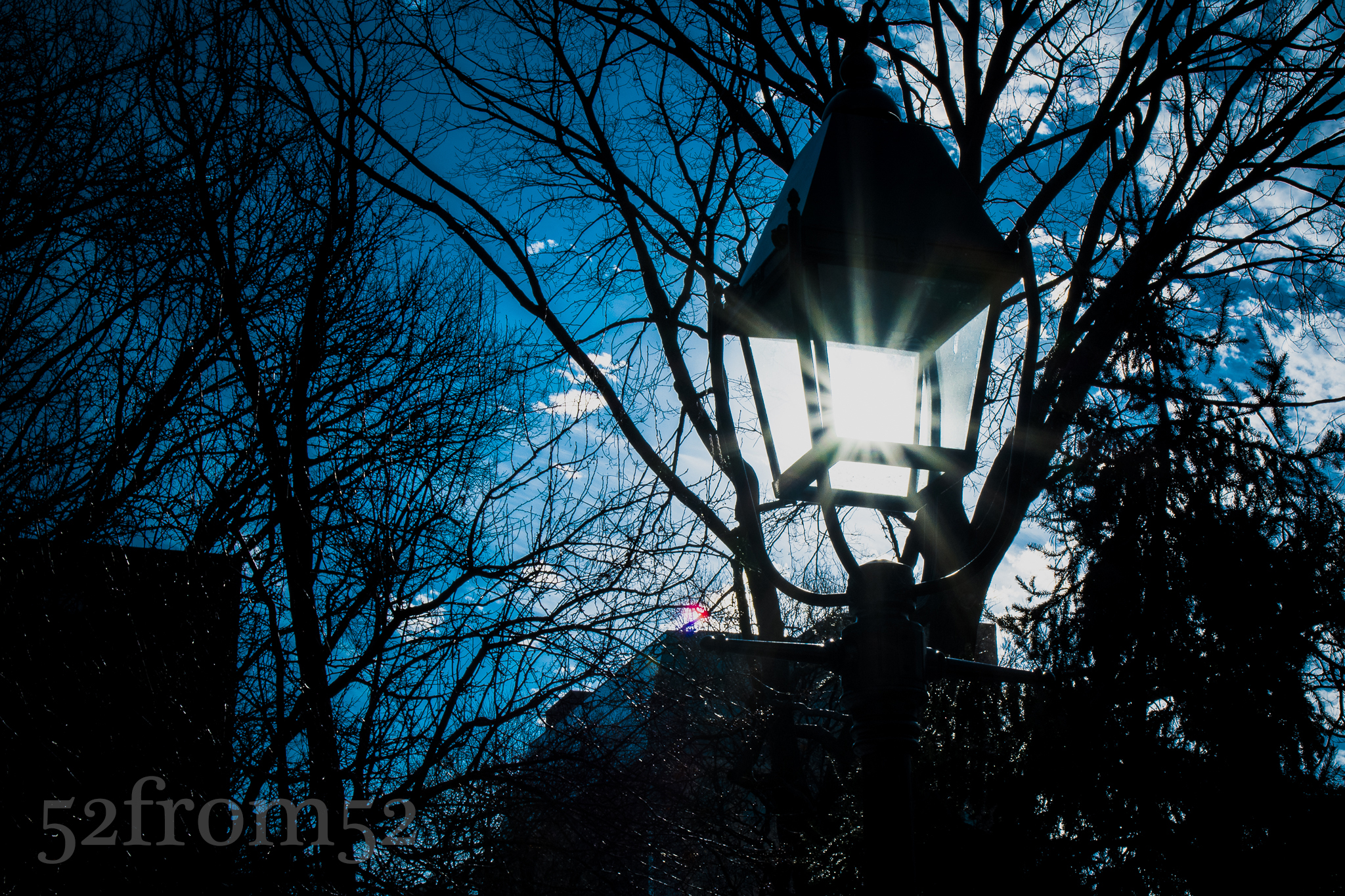
Washington Square Park Light Post

Washington Square Park Light Post

With sunset approaching we decided to head to Wagner Park located at the southern tip of Manhattan.  I shot at that location once before during week 16 but since it provides great sunsets, I knew there was no harm in taking a return visit.

While on our way south we seemingly stopped every couple of feet to take pictures.  Since the purpose of our trip was to take pictures, frequently stopping wasn’t a problem, but it was threatening our chances of getting to the park at the right time.  Eventually we decided to jump on the 1 train to expedite our journey.

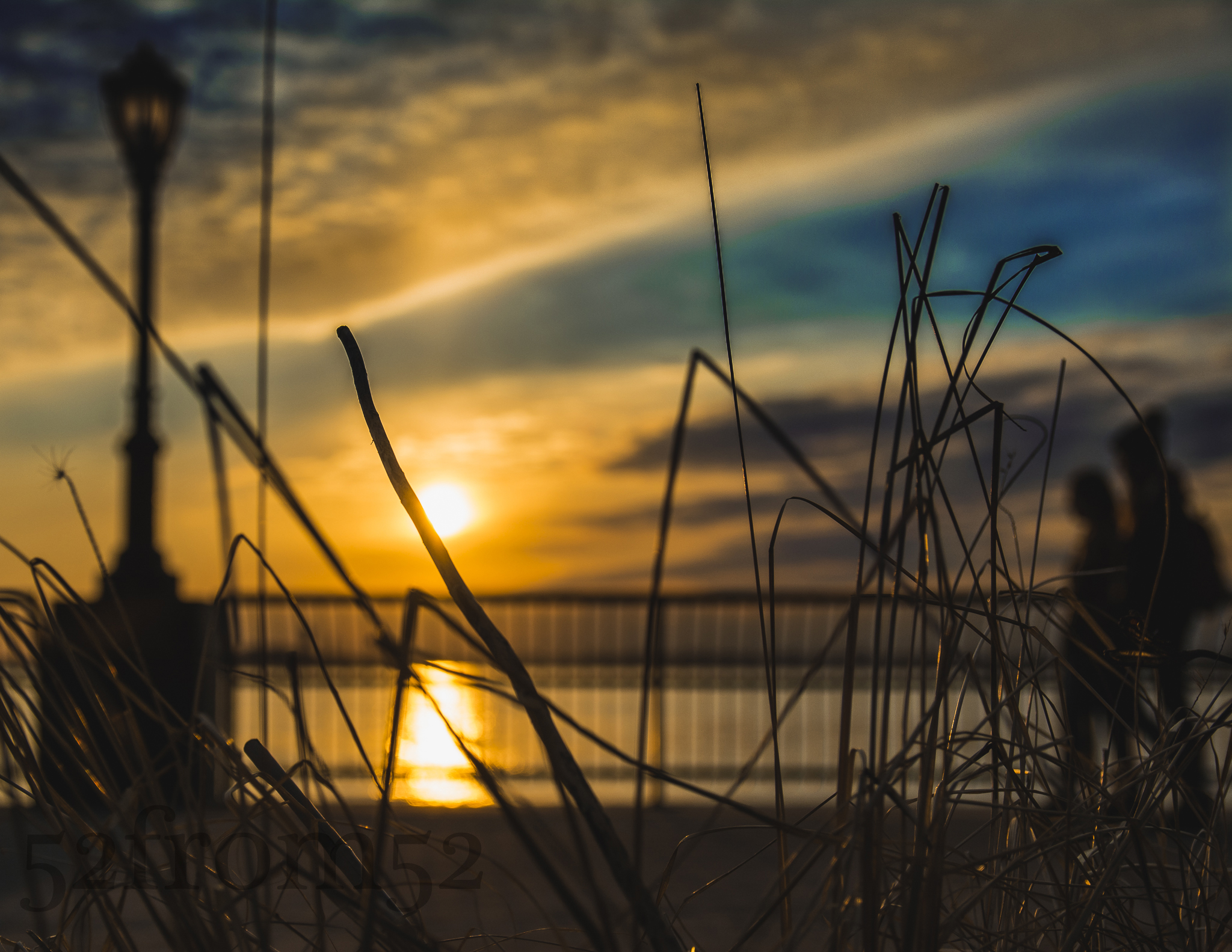
Once we got out of the subway we made a beeline towards the park.  When we finally cleared the tall buildings of the financial district, I yelled out “boomshakalaka” in excitement once I saw the beautiful evening sky.  For the next hour or so my friend and I were treated to one of the better sunsets I’ve seen in a while.  We both shuffled around the park trying to find the best shot.  I eventually spotted a patch of tall grass which provided me with a good foreground subject and sealed the deal for this week’s picture.

Photography concepts:

Since this week is the first time shooting with my new Sigma lens it makes sense for me to talk about some of the advantages it provides.  One of the advantages which benefited this week’s picture is the Sigma’s nice bokeh.  As I talked about last week, bokeh is the part of the picture that’s out of focus.  One thing I recently learned is that with nicer lenses the bokeh is smoother and although it’s a little bit of an oxymoron, the out of focus images are sharper.  The nice bokeh worked well for creating silhouettes of the lamp post, railing and couple walking.

Another advantage the Sigma has is a low fixed aperture of f/2.8. Although the Sigma doesn’t beat my Nikon 35mm’s f/1.8 aperture it’s still large enough to make shooting indoor and night pictures easier.  The Nikon beats the Sigma aperture but the Sigma has a 4-stop Anti-Shake feature which allows for slower shutter speeds.  This means that although the Nikon can let in more light via a wider aperture, the Sigma can let in more light via slower shutters (without using tripods).  The term 4-stops means I can go 4 stops lower than the recommended shutter speed for a specific focal length.  When shooting at 35mm (52 with a crop sensor) it’s recommended that I stay at or above 1/100 of a second.  Thanks to the anti-shake feature I can hit a shutter speed of 1/40 of a second, and possibly slower if I have any added stabilization.  This is a moot point if you’re using a tripod but it’s very relevant when you’re shooting indoors or at night.

The last advantage I’ll quickly mention because it’s not one that can help me during my 52from52 photoblog series is that the Sigma is a zoom.  The advantage of having a zoom lens is pretty obvious.  With a zoom you’re able to recompose your picture without moving and hit targets that a 35mm prime can’t.  Because it’s a zoom I might use my Sigma again in some upcoming posts, not to shoot my picture from another focal length, but so that I have some flexibility for the pictures not meant for this blog.  The Sigma’s focal length range 17-50mm ( ~25-75mm) is very versatile.  The lens moves from wide angle to a nice focal length for taking pictures of people, especially when I can maintain a f/2.8 aperture.  The possibilities this lens has is exciting so stay tuned!
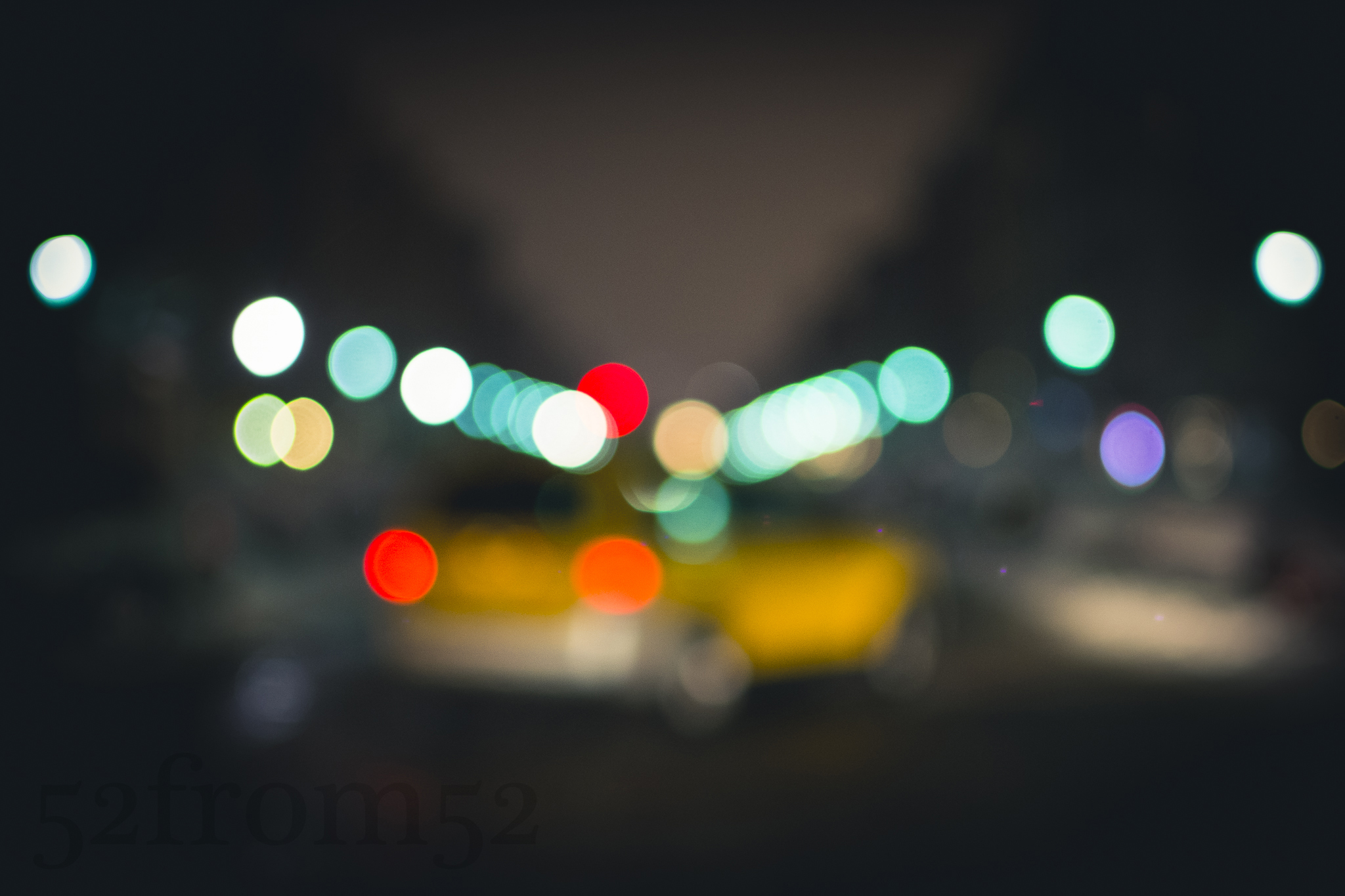
Saturday Night Focus

Picture info: ISO 1000, 35mm, f/2.0, 1/50sec

Picture info: ISO 1000, 35mm, f/2.0, 1/50sec

Week 28 (2/10/2014 -2/16/2014): Hoboken, Washington/13th

Picture taken on 2/15/2014 at 7:52 PM

Picture description:

Like many people my age, on a usual Saturday night there is a good chance you’ll find me out at a bar with friends.  This past Saturday night however was not my usual evening.  This weekend was different because I was providing 24/7 support for work.  Working in IT has it’s perks but it also occasionally carries some unique responsibilities, one of those being support coverage.  This weekend was the first time I held this role in a long time and it’s not one that I take lightly.  While covering support I need to maintain my wits and have a quick response time if I get any calls, therefor going out to a bar isn’t on my social menu.  

Original "accidental" picture

Original “accidental” picture

Coincidentally this weekend the newest season of “House of Cards” released on Netflix so that provided the perfect means to pass my Saturday night.  Though I had a good TV binge in the queue, I decided to pop outside for a little with my camera.  Earlier in the week I took a picture which I planned to use as this week’s post.  My goal for Saturday night’s picture hunt was to try my hand at recreating and or improving my previous picture.  The original picture was shot on Washington street and was more of an accident than a planned image.  When you’re attempting to take a picture in the middle of the street you can imagine how one might feel rushed.  It could be the possibility of getting hit, or just the fact that people gaze upon you like you’re crazy. Regardless of the reason, while shooting my original picture from the middle of the street I felt rushed and thus fired off some quick pictures, a few of which were not in focus.  After reviewing the unfocused batch of pictures, I actually liked the way the blurred imaged looked.  Fast forward to Saturday night, my goal was to not leave this round of pictures to chance.  My plan was to use the manual focus of my camera to create a “controlled” blurred image.

My chosen spot was at the corner of 13th/Washington. As I stood at the corner waiting for the light to turn red, I fiddled with my focus to get a blurry but clear enough to see image.  During one of my practice pictures I accidently got a taxi in frame which triggered the idea of creating an picture that represented how I usually recall Saturday nights.  I waited a couple of light cycles until again having a taxi staged for the picture.  Once the light turned red I darted out into the street and captured this week’s image.

Photography concepts:

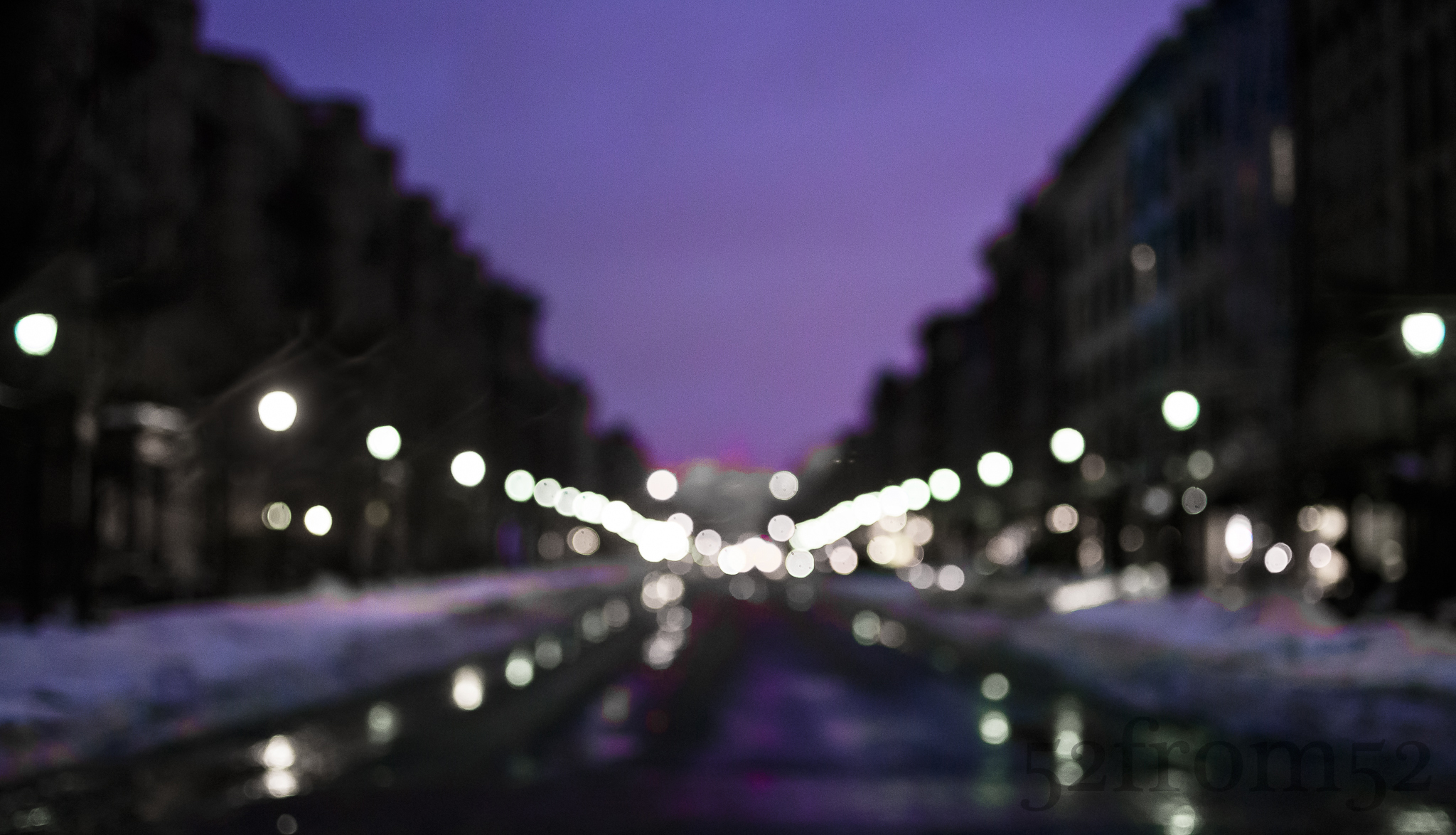
The more I learn about my camera, the more artistic freedom I have to create the images that are in my head.  Although this week’s picture wasn’t an exact representation of what I mentally saw, it was close.  This is the first time I used manual focus for a featured post and I’m happy with the result.  Manual focus gives you the freedom to choose the exact focus you want rather than relying upon the camera to make the decision.  It would have been nearly impossible to shoot this picture if I only relied on my camera for focusing.  When in autofocus mode your camera needs to focus on something in order to shoot.  There is a setting to override requiring focus but it’s easier to put your camera in manual.  Putting your camera in manual focus allows you to take a picture no matter what the focus is, blurry or razor sharp.  The reason I wanted to achieve an out of focus image was because of the effect it creates.  The effect that results from images being out of focused is often referred to as “bokeh.”  Most of the time bokeh is used to create separation in a picture between the subject and background.  The intensity of the bokeh usually increases as your aperture gets larger.  This technique is used a lot in portraits such as head shots.  In my picture instead of focusing on one subject and blurring out everything else, I blurred out the entire image.  I wanted to use the blurriness to create a sense of disorientation from looking at the picture.  I also wanted to use the blurry lights to create the composition of my image in the form of leading lines.  All of the lights are pinched inward to pull your focus onto the blurred out taxi.  The leading line composition was meant to represent the usual progression of a saturday night, increased blurring over time and ending in a taxi.  

As you can see by applying some of the lessons that I’ve learned, I was able to create the image that I wanted.  Of course some chance was involved this week, but the lesson to take away is that once you start to build your photography toolbox it’s important you know what concept to take out or apply to achieve the image you’re going for.  Your creativity will always be limited to the speed that you’re able to think of your feet and apply your knowledge.

“Snowboken”

Picture info: ISO 100, 35mm, f/11, 1/80sec

Picture info: ISO 100, 35mm, f/11, 1/80sec

Week 27 (2/3/2014 -2/9/2014): Hoboken, Maxwell Park

Picture taken on 2/3/2014 at 1:09 PM

Picture description

It’s said that the day after the Superbowl is one of the highest call out of work days of the year.  This year I was smart and decided to preemptively schedule myself for a day off on the dreaded Monday after the big game.  As it turned out I couldn’t have chosen a better day to take off, not because of a big game hangover, but because of a huge snowstorm that hit our area.  While most people were fighting both their hangovers and the weather I was relaxing comfortably in my apartment.  Even though I could spend the day sheltered from the storm, I decided it would be fun to head out into the snow with my Nikon in hand.  The only problem I faced was how to protect my camera from the wintery elements.  The solution that I came up with was simple, rubberband a ziplock bag around my camera and I was good to go, or so I thought.

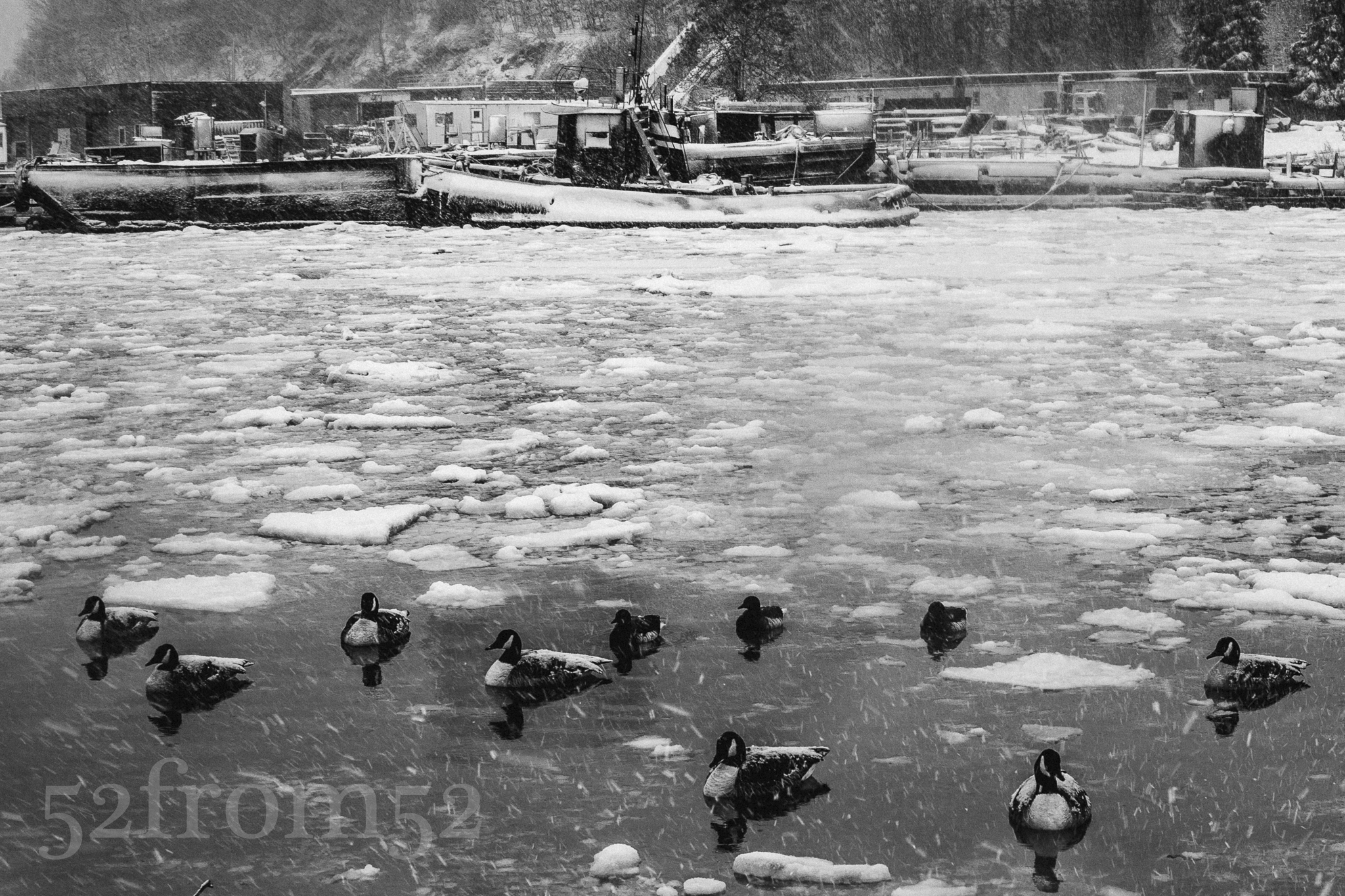
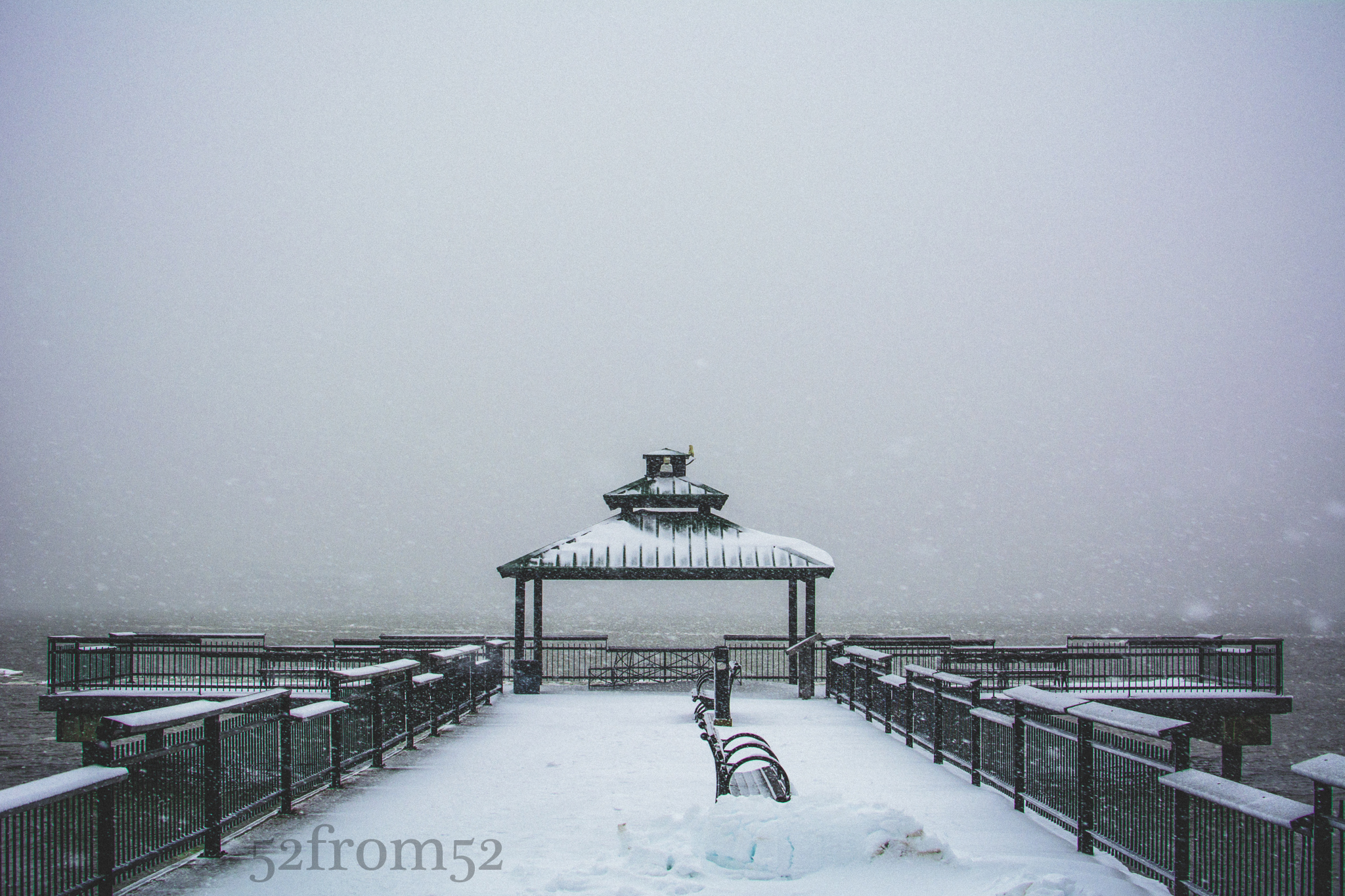
Once out in the storm my ziplock plan seemed to work in terms of protecting my camera, but it made taking photos extremely difficult.  I was able to make the best of the situation by shielding my camera within my coat until I spotted a potential picture.  Knowing that I couldn’t preserve my camera’s dryness for long, I decided to hit two nearby Hoboken locations.  First I went to my usual spot, the uptown pier at Maxwell Park.  To my surprise I spotted a family of geese trying to take refuge in the cove of the pier’s “beach area.”  They were surrounded by ice and almost seemed to be frozen themselves.  I moved around trying to shoot the geese from the best angle possible without falling into the water myself.  Next I moved to the pier on Sinatra drive by the skatepark.  Since the snow was creating a nice white out I wanted to take a picture of the gazebo on the water with nothing but a white background.  Usually the New York City skyline is the backdrop so I thought this would make for a unique picture of the area.

gazebo picture

Gazebo picture

After getting the gazebo picture I decided to head back in for the day.  I had been outside for about an hour and it seemed that my ziplock bag was close to losing it’s ability to protect my camera.  As I fought my way through the snow back to my apartment,  I said to myself next time I’ll be better prepared for the elements.

Photography concepts:

The first time out in the snow with my Nikon taught me some valuable lessons.  The first and most obvious is that you need to keep your camera dry.  Although the ziplock bag was able to protect my camera for the hour that I was out, it would have been a stretch to sustain it’s usefulness for any longer period of time.  As a result my first purchase after Monday’s snow storm was a rain cover or “rain sleeve” for my camera (link below).  They essentially work just like the ziplock bag but they’re longer and hug my arm so shooting with them is a lot less clumsy.  I was hoping for another snow storm this weekend so I could test the sleeves, but of course you never get the weather you wish for.  Expect a follow up review of the rain sleeves usefulness in a future post.   

The second lesson I learned is that you absolutely need something dry to wipe off your lens.  This seems pretty obvious as well, yet I totally forgot to bring a cloth while I was out in the snow.  I had to use some of my inner layers to wipe off my lense.  Luckily I always keep a UV filter on my camera’s lens so there was no chance of damaging the actual lens.  Using a UV filter is nothing new for me but absolutely essential when you’re out in the elements.  It’s much smarter to scratch a $10 filter than the lens of your hundred plus dollar lens.

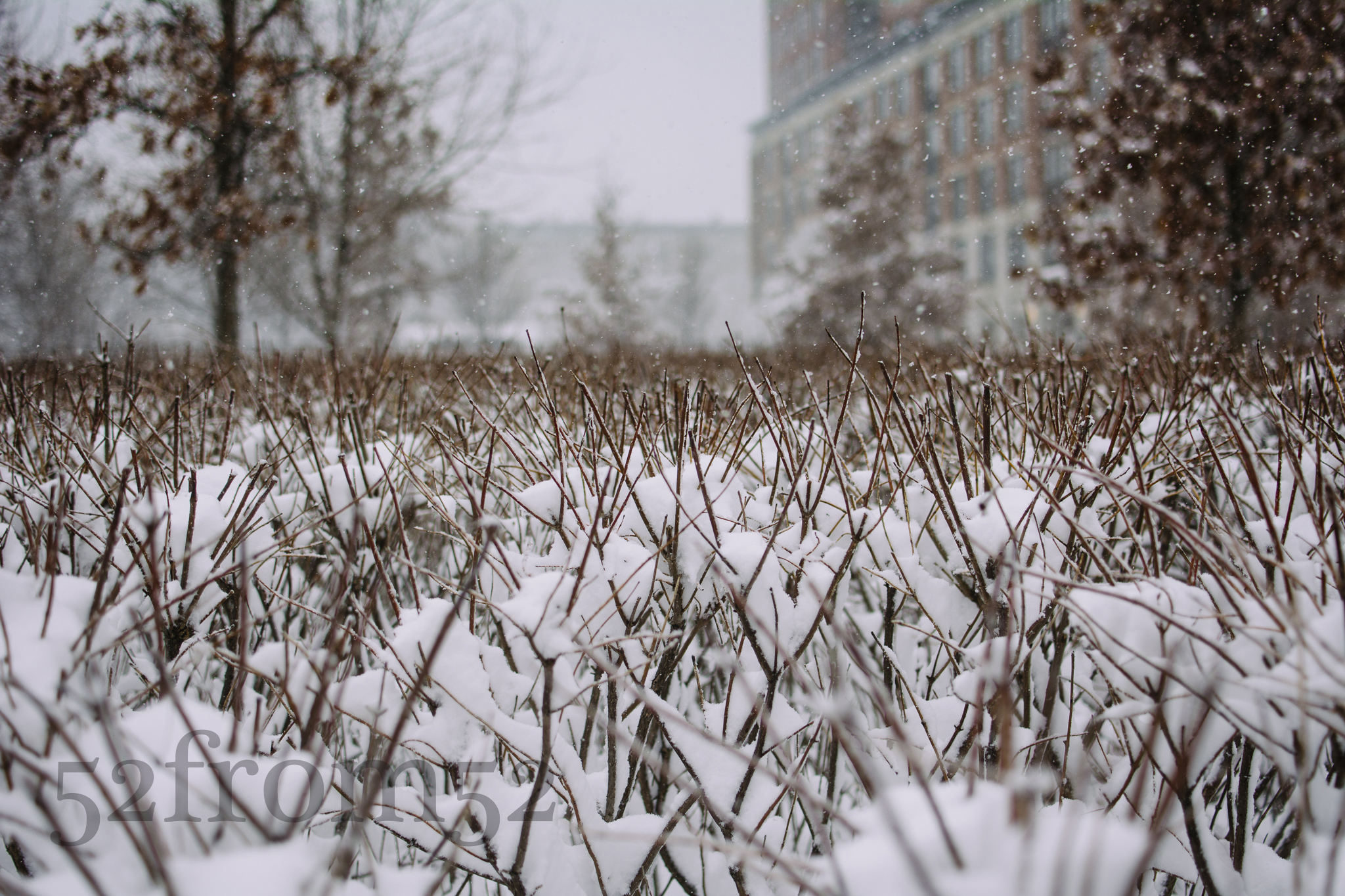
The last lesson that’s worth noting is what I learned in post (editing).  While reviewing my pictures I noticed that I didn’t take advantage of a key feature my DSLR.  Most DSLR’s, including my Nikon, give you the ability to shoot with very fast shutter speeds.  This is a great tool to have when it’s snowing (or raining) because it allows to you seemingly freeze time and capture snow flakes or rain drops midair.  I unfortunately didn’t shoot many pictures with fast shutter speeds.   From the pictures that I so happened to have a fast shutter,  it seemed that 1/1000 – 1/2000 seconds was the ideal speed to freeze the  snowflakes.  My guess is the best lens speed probably varies depending on the wind and size of the snowflakes.  Lesson learned, my shutter speed will absolutely be on the forefront of my mind next time I go out in the snow or rain.

Taken with shutter speed 1/1000 sec

Taken with shutter speed 1/1000 sec

Rain sleeve option 1

http://www.bhphotovideo.com/c/product/469774-REG/OP_TECH_USA_9001132_18_Rainsleeve_Set_of.html

Rain sleeve option 2

http://www.bhphotovideo.com/c/product/891383-REG/ruggard_rc_p18_18_plastic_rain_cover.html

Halfway there

Picture info: ISO 100, 35mm, f/22, 4seconds, -2.1 ND filter, -.7 exposure

Picture info: ISO 100, 35mm, f/22, 4 seconds, -2.1 ND filter, -.7 exposure

Week 26 (1/27/2014 – 2/2/2014) : Hoboken Uptown Pier

Picture taken on 2/1/2014 at 3:30 PM

Picture description:

This week marks the halfway point of my fifty two week photoblog series.  Throughout the week I jumped back and forth a lot trying to decide what picture/subject to shoot for my twenty sixth post.  In the end I decided where better to shoot than where I started twenty six weeks ago?  That’s right, I returned to my favorite spot in Hoboken along the uptown waterfront.  After I finally submitted to the idea I grabbed a coffee from bwè kafe and sat on “my bench” to think out how I could put a new twist on a picture I’ve taken so many times.  As I mentally flipped through the various pictures that I’ve taken at the location I paused on one picture taken with a triple exposure.  In the picture a runner zoomed through the frame and gave off a ghost like image.  As I sat at my bench dwelling on the ghost image it hit me, what if I used myself to create another “ghost like” image and thus was literally halfway in the picture, or “halfway there.”  This seemed like a cleverly fun idea and I’m glad that I was able to pull it off.

Photography concepts:

To pull off the “halfway there” image idea I had two options.  My first option was to shoot the picture like the original “ghost like” image using a double or triple exposure.  A multiple exposure picture would have been easy, so I decided to go with a more challenging option that utilized more of the skills/knowledge I’ve learned over the past twenty six weeks.  What I decided was to shoot my picture using a long exposure and wireless trigger.  This sounds straight forward enough too but the challenge was to do this during the day.  In daylight long exposures are hard to execute, luckily this is something I’ve done in the past in a few of my posts.  With the use of my handy neutral density filters, and a super small aperture of f/22, I was able to hit a shutter speed of four seconds.  Four seconds was the perfect amount of time to create a “halfway there’ image.  I stayed in the frame for 2 seconds then quickly jumped out of frame for the remaining 2.  It took me a couple of attempts but eventually I nailed it!

Challenge number two of this week was how to edit an otherwise boring skyline.  When shooting the skyline from Hoboken I typically wait for a day with interesting clouds, or wake up really early to shoot at sunrise.  This time I had already missed my sunrise option for the day, and literally had too many clouds to work with.  When I shot this picture it was a cloudy overcast day with a slight tint of blue showing up in the clouds.  Here is where being able to edit an image in an artistic manner pays off.  For this week I went with a dull look with some slight color tints.  The way I achieved my final look was by first applying some of my usual edits such as lowering highlights, increasing contrast, clarity and color saturation, along with applying some sharpening.  After getting my picture prepped I then applied a VSCO preset filter “Polaroid 669” which gives the image a film look.  I also applied some presets to boost the blues and saturation even more in the image.  The finishing touch was to add a slight vignette around the edges.  As you can see from the before and after comparison, the right editing makes all the difference.

Before and After

Before and After

How I see it

Picture Info: ISO 100, 35mm, f/22, 1/8sec

Picture Info: ISO 100, 35mm, f/22, 1/8sec

Week 25 (1/20/14 – 1/26/2014):  Central Park, New York City

Picture taken on 1/26/2014 at 1:29 PM

Picture description:

It’s hard to believe how quickly the bitter winter cold has snuck up on us here in the Northeast.  The cold became more of a chilling reality during this week’s return visit to Central Park.  If you recall, roughly one month ago I took a trip to CP while the weather was uncharacteristically warm for the beginning of winter, hence the title of that week’s post “Spring into Winter.”  Fast forward one month from my last visit and CP is now painted white with snow.  Being from the Northeast I’m no stranger to the cold so the temperature was not enough to deter me from enjoying the snow covered park.  

This time around I had a couple of friends join me during my visit to the park.  If I had to choose the one thing that I enjoy the most about taking pictures with other people, it’s seeing how each person approaches a shot or what they choose to photograph.  Oddly enough during this trip we all seemed to unknowingly steal each others photo ideas.  The interesting wrinkle was that although we selected similar subjects we all seemed to shoot the pictures differently.  This aspect of creative interpretation has been one of my favorite parts about photography.  I enjoy having the opportunity to share with people how I see the world.  I’m not really the most open person, but in a way photography has given me a means to let people inside my head and thus helped me share a piece of me.  What’s been even more gratifying has been all of the great conversations that have sprouted up from some of my photographs.   When I decided to take on photography as a hobby I never would have guessed it would yield so much engagement.  As I approach the halfway point of this 52 week journey I’m looking forward to seeing where the next 6 months will take me and who it will lead me to meet.

Photography concepts:

As mentioned in this week’s picture description, to me one of the most enjoyable aspects of photography is sharing the way I see things.  The way I translate my “mental image” to reality is done through about fifty percent “in camera” work and fifty percent “post” editing.  Everyone has a favorite style in terms composition and editing techniques.  If I had to summarize my “in camera” or composition style I’d say that I usually play to symmetry, leading lines, and using reflections to make pictures feel larger.  As for my editing style, I tend to use contrast to emphasize the points of the pictures that I want people to focus on and I like to enhance light sources to reflect how I see them.  This week’s picture is a prime example of all my preferred styles.  

I think that knowing your style is important because it enables you to take pictures quicker and more efficiently.  In the beginning of this blog when I ventured out to get a featured picture I would take close to 1000 pictures.  Yes 1000 pictures!  Now that I’ve gotten a feel for my style I can set up quicker and only fire off about 250 pictures per trip.  The way I trimmed the number of pictures down is by knowing that the most important thing “in camera” is to maintain good exposure.  Keeping your histogram in range gives you more flexibility during editing and enables you to get the picture to be your style in post.  Editing is where you can really tap into your creative side and put a piece of yourself into a picture.  Don’t be afraid to get creative with your editing to create an image that is unique and shows people how you see the world.

Take a Guess

Picture info: ISO 100, 35mm, f/20, 3 seconds, -2.1 ND, -1 exposure stop

Picture info: ISO 100, 35mm, f/20, 3 seconds, -2.1 ND, -1 exposure stop

Week 24 (1/13/14 – 1/19/2014):  Hoboken, Maxwell Place Park

Picture taken on 1/18/2014 at 2:41 PM

Picture description:

If you’ve read my last couple of posts you may have noticed that I’ve been alluding to different goals and projects for 2014.  One of my 2014 goals is to create a collection of “Hoboken pictures” with the ultimate goal of selling them at the festivals held in town throughout the year.  I’ve been to the last couple of art and music festivals, and one thing I’ve look for each time was good (fair priced) Hoboken art and pictures.  Unfortunately I’m yet to find a booth that has both good and reasonably priced Hoboken pictures.  Knowing that current Hoboken residents, like myself, are looking for local pictures is one of the reasons I decided to take on this project.  I think this project will be a good way to take the next step in my photography adventure.  Another reason why I decided to take on this challenge is due to all of the positive feedback and encouragement that I’ve been getting from friends and family.  You all have motivated me to keep pushing myself forward by continuing to develop my photography skills and for that I thank you!

Although I won’t feature a Hoboken picture each week I’m planning on taking a lot more pictures in Hoboken.  As I talked about last week, finding new perspectives will be one of my focal points for taking pictures in 2014.  This idea particularly applies to this Hoboken picture project since no one will want to buy pictures they could have taken themselves.  The key to being successful in this venture will be getting unique pictures that people will want to feature in their homes.

This week’s photograph is an example of finding a unique picture in Hoboken.  I’d bet that few Hoboken residents have noticed there is a beachfront in town.  During the summer the city hosts kayak and canoe days where they launch the boats from this beachhead.  It’s a wonderful location and absolutely one of the secret amenities of living in Hoboken.

20 Second exposure

20 Second exposure

Photography concepts:

It’s been a couple of weeks since I last experimented with ND filters.  Week 17’s post “One Shot” was the first and last time that ND filters played a role in my featured picture.  Unlike in week 17, this week’s picture was shot in broad daylight.  Getting a long exposure during the day would never have been possible without using ND filters.  In this picture I stacked two filters, 0.9 and 1.2, to gain the -2.1 percent neutral density level.  In case you missed my week 17 post, ND filters reduce the amount of light that hits your camera’s sensor and thus enables slower shutter speeds.

In addition to using ND filters, shooting this picture at an extremely small aperture of f/20 is also how a 3 second exposure was possible.  Taking a long exposure of the ocean or some other body of water that has lots of movement (waves) has been on my bucket list for a while.  Since it’s the winter I’m yet to make it to the actual ocean, so until then this will have to do.  The crashing of the waves is what created the motion blur effect in the water as it crashed and receding from the shoreline.  I love that ghosting look and plan on getting a lot more pictures like this over the summer.

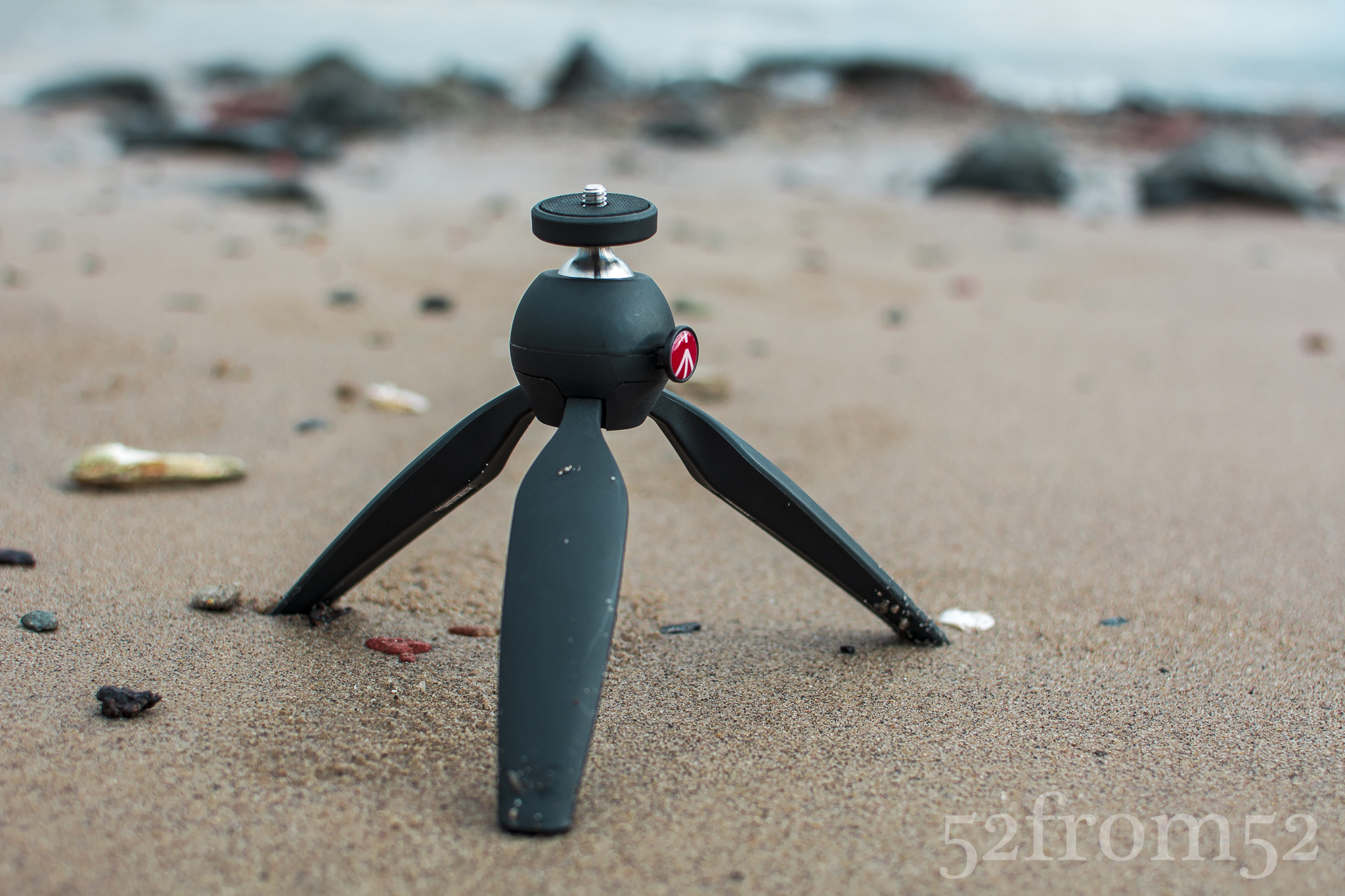
Tripod used to take photo

Mini-Tripod used to take photo (link below)

Over the past few weeks I’ve been using Instagram and Facebook to gauge the different editing techniques that people like.  Since I’m planning on selling my pictures in the near future it’s important I know what the average person likes.  I personally tend to like more dull, low contrast pictures, while I’ve found that more of the people I come into contact with like high contrast, vivid photographs.  In an effort to hit the look that people have been liking more, I’ve been editing my photos to have more pop.  It’s really hard to describe my editing process verbally, so in the coming weeks look for me to try my hand at creating Lightroom editing videos on YouTube.  Expect a follow up edit to this post with a video on how I edited this picture.

Tripod: http://bhpho.to/1jkddfR

New Perspective

Picture Info: ISO 500, 35mm, f/11, 1/320 seco

Picture Info: ISO 500, 35mm, f/11, 1/320 seco

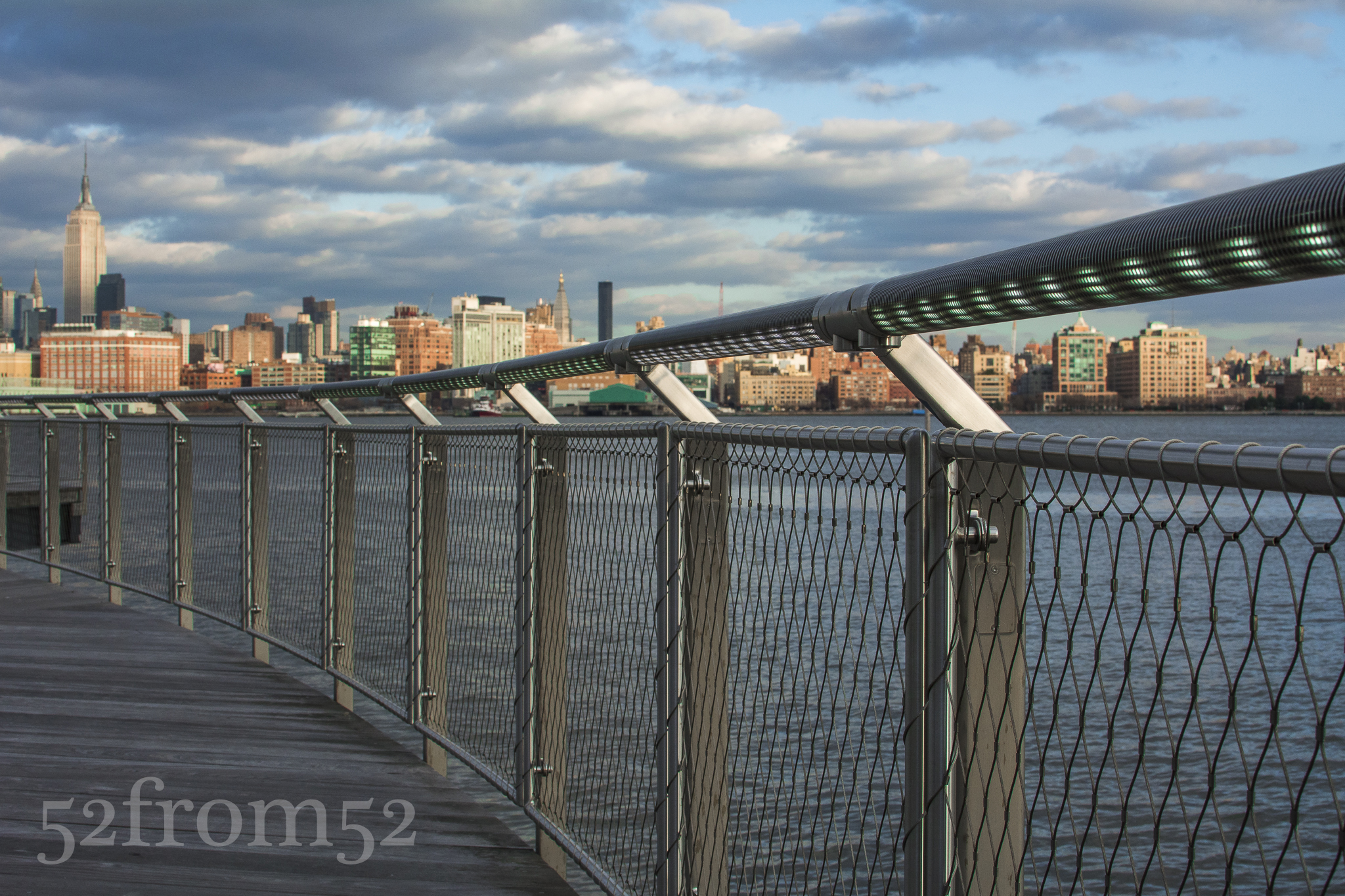
Week 23 (1/6/2014 – 1/12/2014): Pier C, Hoboken NJ

Picture taken on 1/12/2014 at 3:58 PM

Picture description

A new year and a new perspective.  One of the keys to making progress is the idea that only by searching for new ideas and perspectives will you truly grow.  Therefore finding new perspectives in life and photography is my goal for 2014.  This week I decided a good way to challenge myself would be to set out in Hoboken to find a new perspective on some of the locations I’ve so often photographed over the past year.

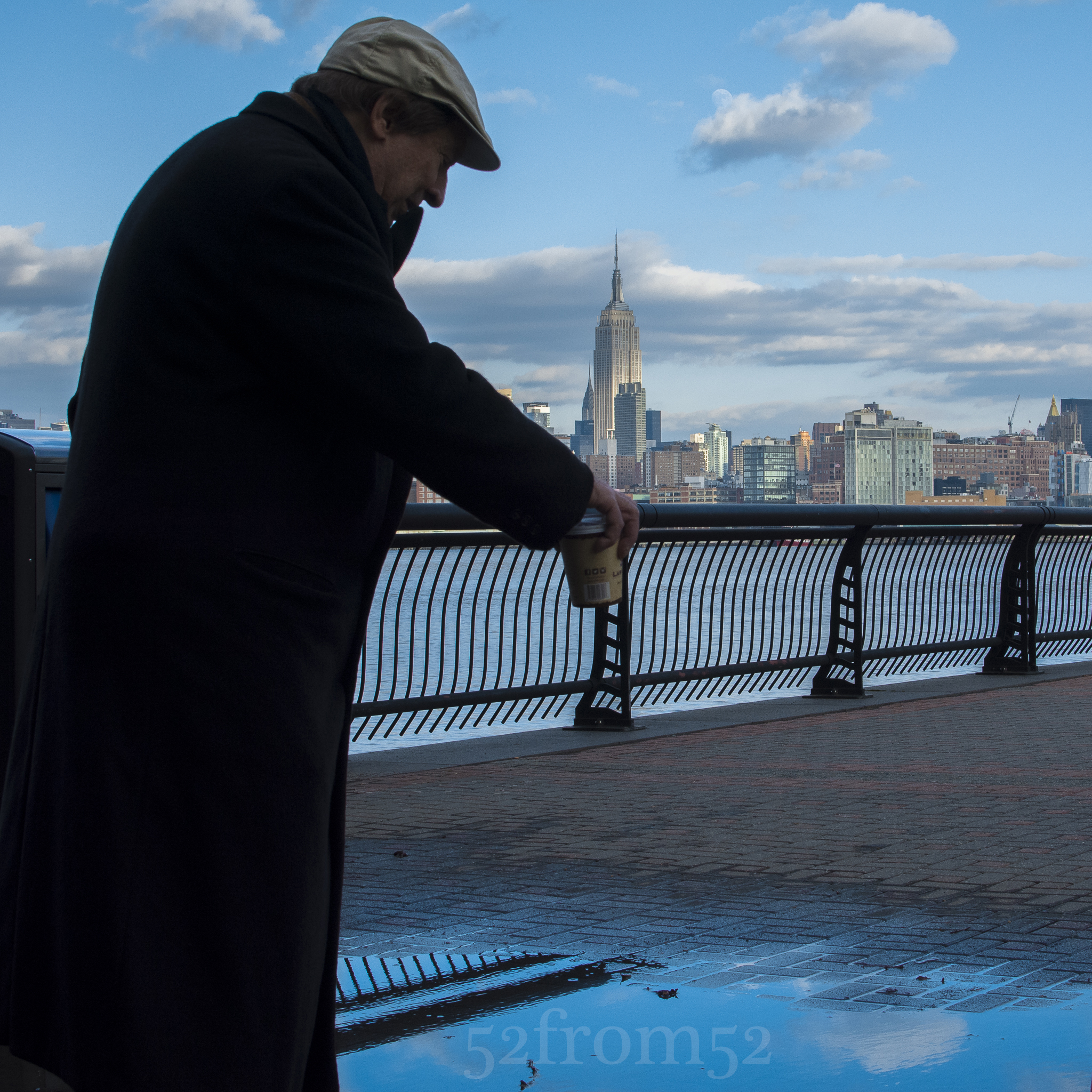
Starting out on 4th street I begin working my way towards Pier A park.  When I arrived at the park I noticed that there were quite a few puddles still around even though it was a bright blue sunny day.  I’m a big fan of puddle pictures, so I set my sights on one rather large puddle at the corner of Pier A.  As I crouched down to get a good angle an old man tapped me on the shoulder and asked what I was photographing.  I proudly hit my camera’s review button and showed him my most recent shot.  He responded with a “Wow” and told me that reminded him of something he did when he was young.  Intrigued, I asked him what it was that he did with puddles when he was young?  He proceeded to stand over the puddle and intensely look down into the shallow pool of water.  I initially thought he was checking himself out but then he explained what he was doing.  He was standing at such an angle that he couldn’t see himself, just the reflection of the sky in the puddle.  He said I’d stand here and look, look into the puddle, and if you do it long enough you can lose yourself in it’s reflection.  Little did this man know he had just in part described my goal for the day.  You see as this man stared into the puddle he wasn’t simply looking at the ground, no he was gazing into the deep blue sky but only from a new perspective.  As the old man stood there for a few more seconds in silence I could see he was adrift in the skies reflection and found happiness from this new perspective.  That’s what I want in 2014, I want to find happiness through the eyes of a new perspective.

The "Old Man"

The “Old Man”

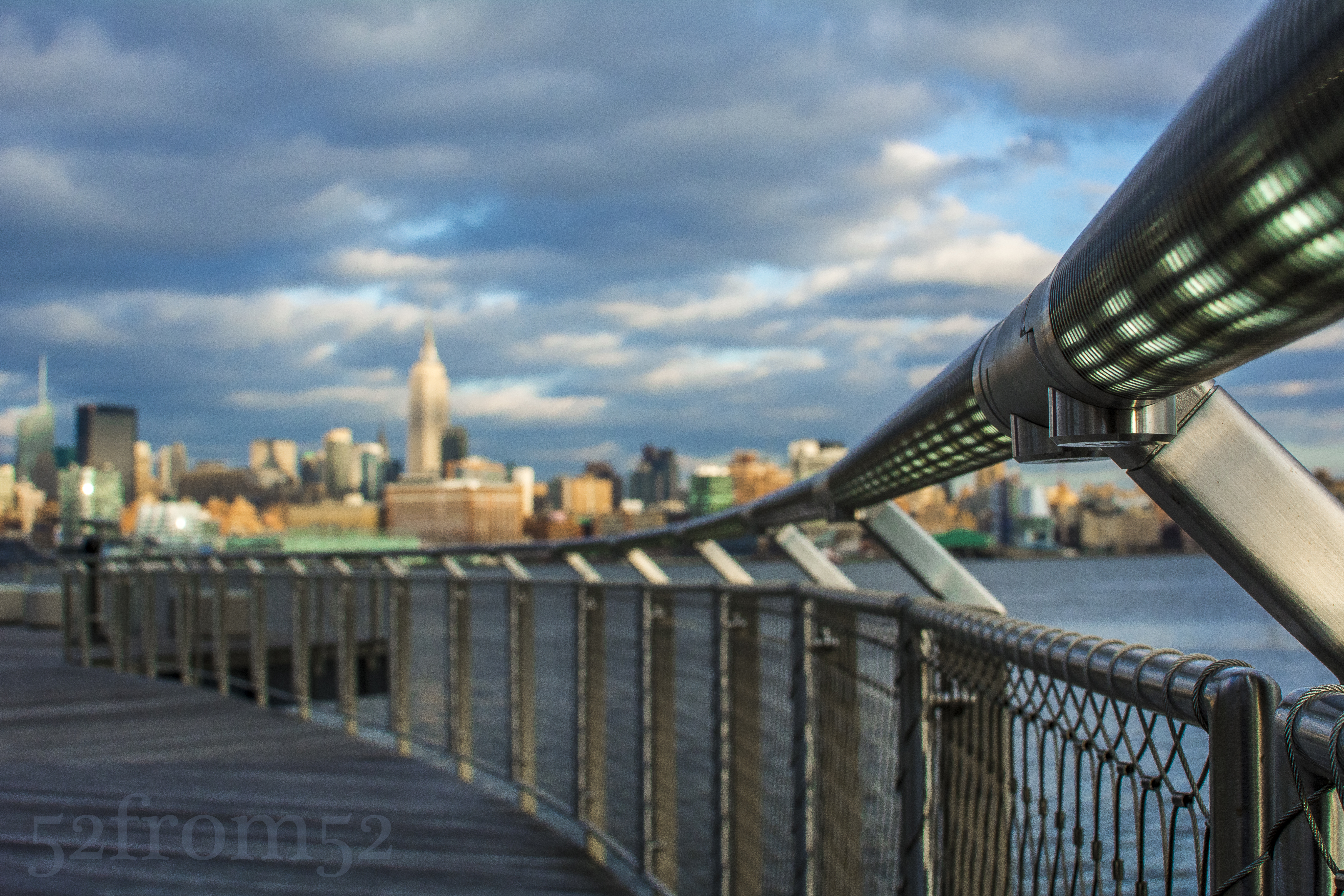
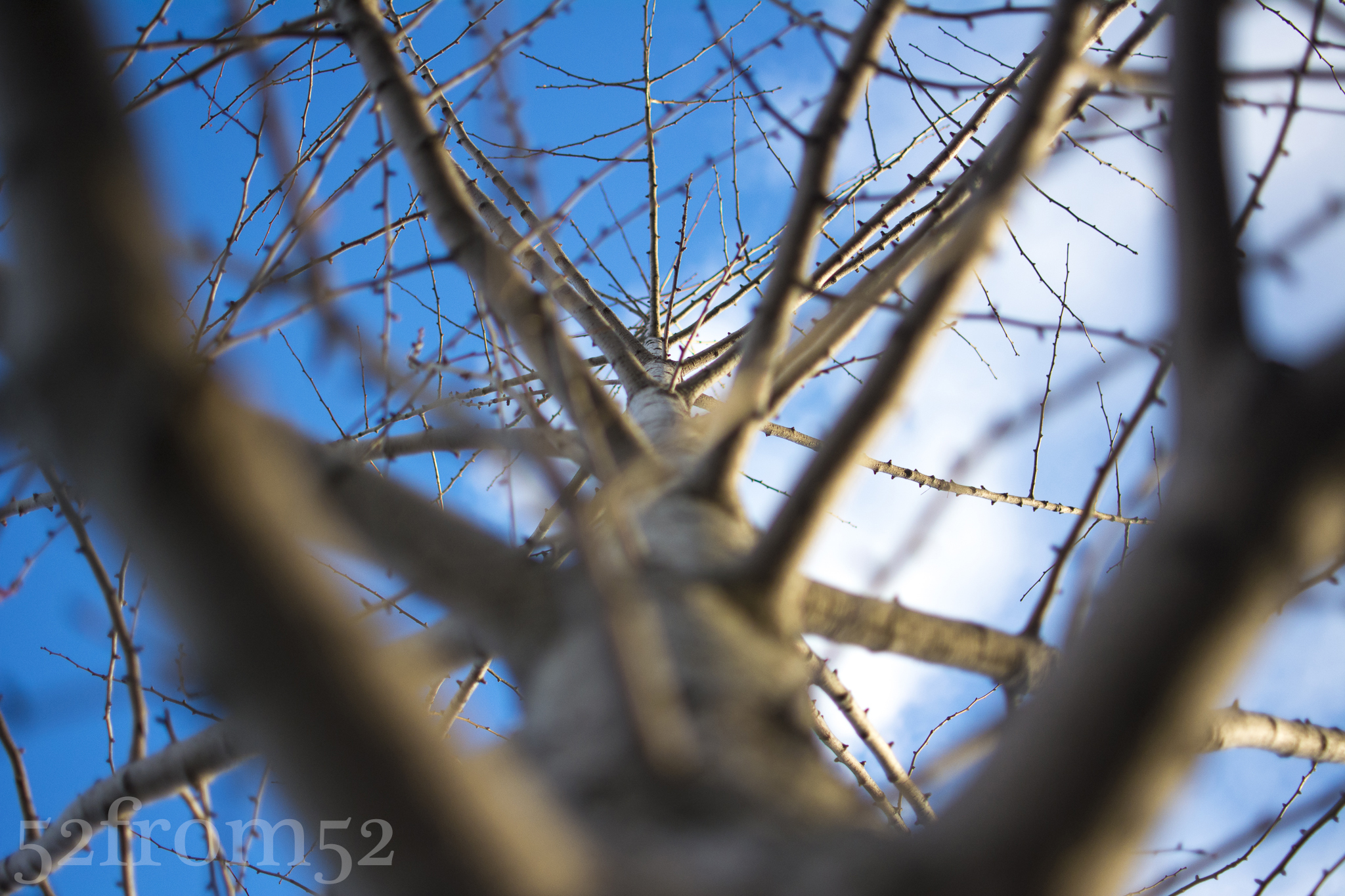
After my nice interaction with the old man I continued on my quest for this week’s picture.  I took pictures looking straight up trees, crouches at ground level, and I even fired off some no look shots while chasing some birds.  Although I might have looked like a real oddball to anyone that may have been observing, after they saw my pictures they would understand.  Eventually I worked my way back towards 4th street and the took one final detour at Pier C, or as I like to call it, Hoboken island.  I’ve attempted to get a picture from the winding entrance of Pier C many times.  This time I decided to drop to one knee and see what perspective that brought.  What I saw was how the railing of the path was leading directly towards the city skyline. I snapped of a couple pictures until homing in my settings then leaned directly against the railing for what would be my final picture.

Tree Perspective

Tree Perspective

Photography concepts:

The focus of this week’s picture was finding a new perspective which essentially meant I needed to find a unique composition.  In this week’s picture the look that I was going for was one of a focus to blur effect on the railing that led to the city skyline.  To get this look I had to set my aperture not too small (f/22) nor too large (f/1.8).  A logical approach was to split the two numbers and that’s exactly what I did.  I shot my picture with an aperture of f/11 which usually puts mostly everything in focus but because I was so close (actually touching) the railing it gave a good blur to the city skyline.   Below is an example of how the closeness of the railing and use of focus points got me the “blur” look I was going for.  This picture is identical to my featured picture from a setting (ISO/aperture/shutter speed) standpoint but as you can see the skyline is a lot more in focus.  This is the picture that I think most people would take at this low angle.  I took this picture first, then to get a “new perspective” leaned into the pole to get a new spin on the view.

Picture Info: ISO 500, 35mm, f/11, 1/320 seco

Picture Info: ISO 500, 35mm, f/11, 1/320 seco

As I edited the picture in Lightroom, I wanted to emphasize the metallic look of the railing along with the lights that were built into it.  To do this I worked with the color sliders but unlike last week, I was actually adjusting the colors not black and white shading.  As a result of tweaking the green in the railing you’ll notice all the green in my picture really pops.  I wanted the green to stand out so it would first draw your eye to the railing then the green of the railing transitions into the green of the city skyline.

Overall lot of my “new perspective” shots involved getting lower to the ground or closer to my subjects than usual.  I encourage you to do the same with some of your pictures this week.  After you take a picture pause and ask yourself, without changing your subject how can you adjust your composition to get a new look?

Stone Cold

Picture Info: ISO 100, 35mm, f/5.6, 1/50sec

Picture Info: ISO 100, 35mm, f/5.6, 1/50sec

Week 22 (12/30/2013 – 1/5/2014): Prospect Park, Brooklyn NY

Picture taken on 1/4/2014 at 12:30 PM

Picture description:

This week as we rolled into 2014 and January, so rolled in the extremely cold weather.  On New Year’s day we were hit with a blizzard dubbed “Hercules,” which dumped a good amount of snow all over the east coast.  The news of the blizzard got me really excited to get out and shoot my first set of snow pictures with my Nikon.  Going into the weekend the plan was to explore Greenwood Cemetery with one of my friends that was out with me last week.  After receiving written permission to walk around the Cemetery, everything was a go, that is until the snow.  After the large snowstorm we were unsure how it would affect our plans, good or bad.  The night before our shoot we could do nothing more than hope we wouldn’t run into any issues and plan on ways to survive the cold.

The next day when we finally arrived at Greenwood we were greeted with a sign that said “gates closed due to inclement weather.”  Although we saw the sign we decided to try our luck by driving through the open gate.  Upon driving through the gate we were immediately stopped by a security guard that informed us the cemetery was closed until after 12PM.  Since we were working under some time restraints that wasn’t good news, so unfortunately we’d have to call an audible.

Luckily as it turns out prospect park was only about 5 minutes away from Greenwood, so we decided to give the park a go.  Even though we were two days removed from the storm, the streets were still covered with mounds of snow and it seemed nearly impossible to find parking.  When we were just about to give up, BINGO, we got a spot!  And so our snow picture quest began.

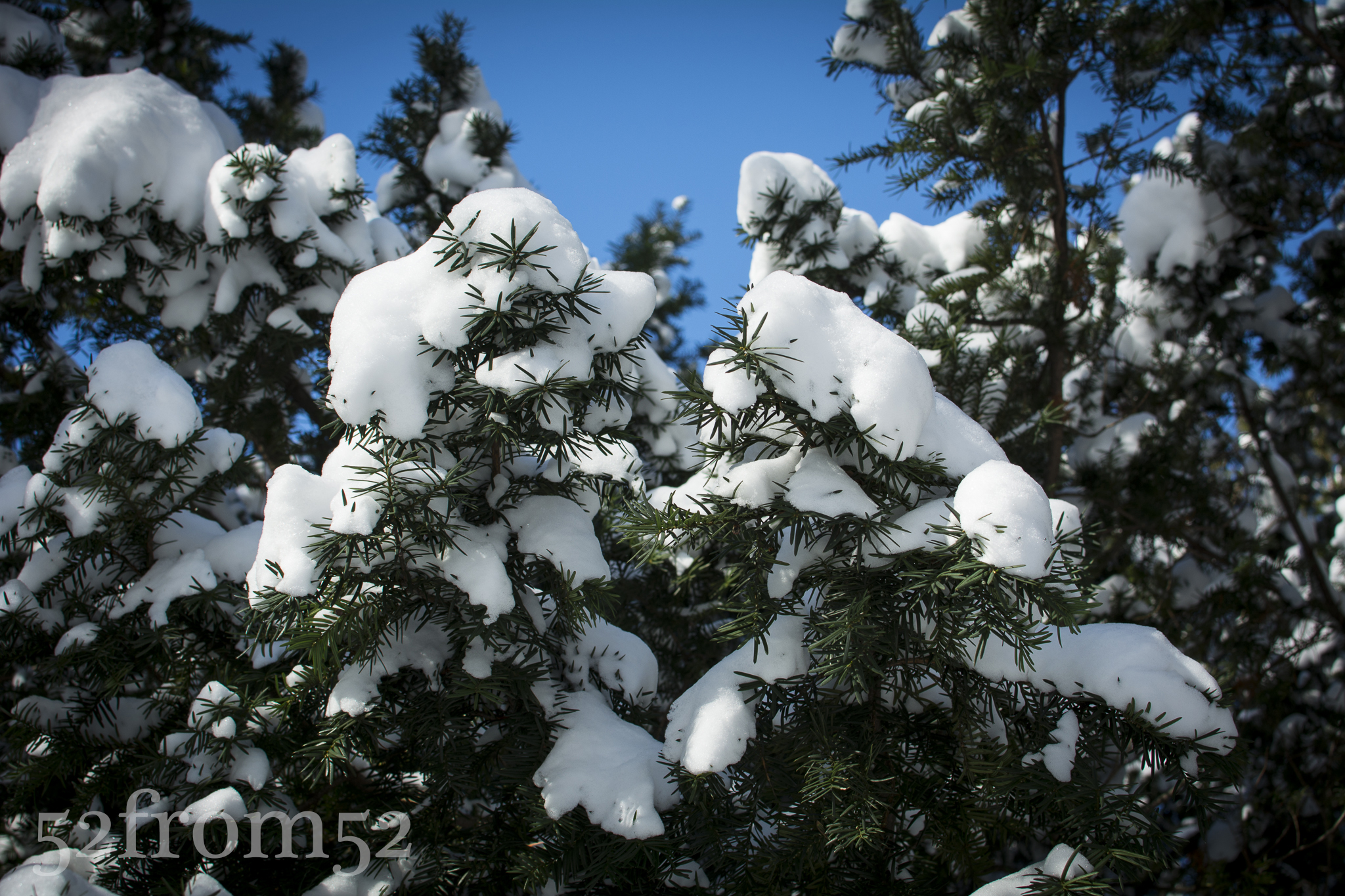
We entered the park at the South/West entrance which is guarded by two towering statues of men on horses.  Surrounding the gates were some interesting pine trees which were draped with loosely packed snow.  As we tried to take pictures under the trees we had to dodge random mini avalanches of snow falling from the trees.  Even though the trees offered plenty of good picture opportunities we decided to work our way into the park and double back later.

Pines at the gates

Pines at the gates

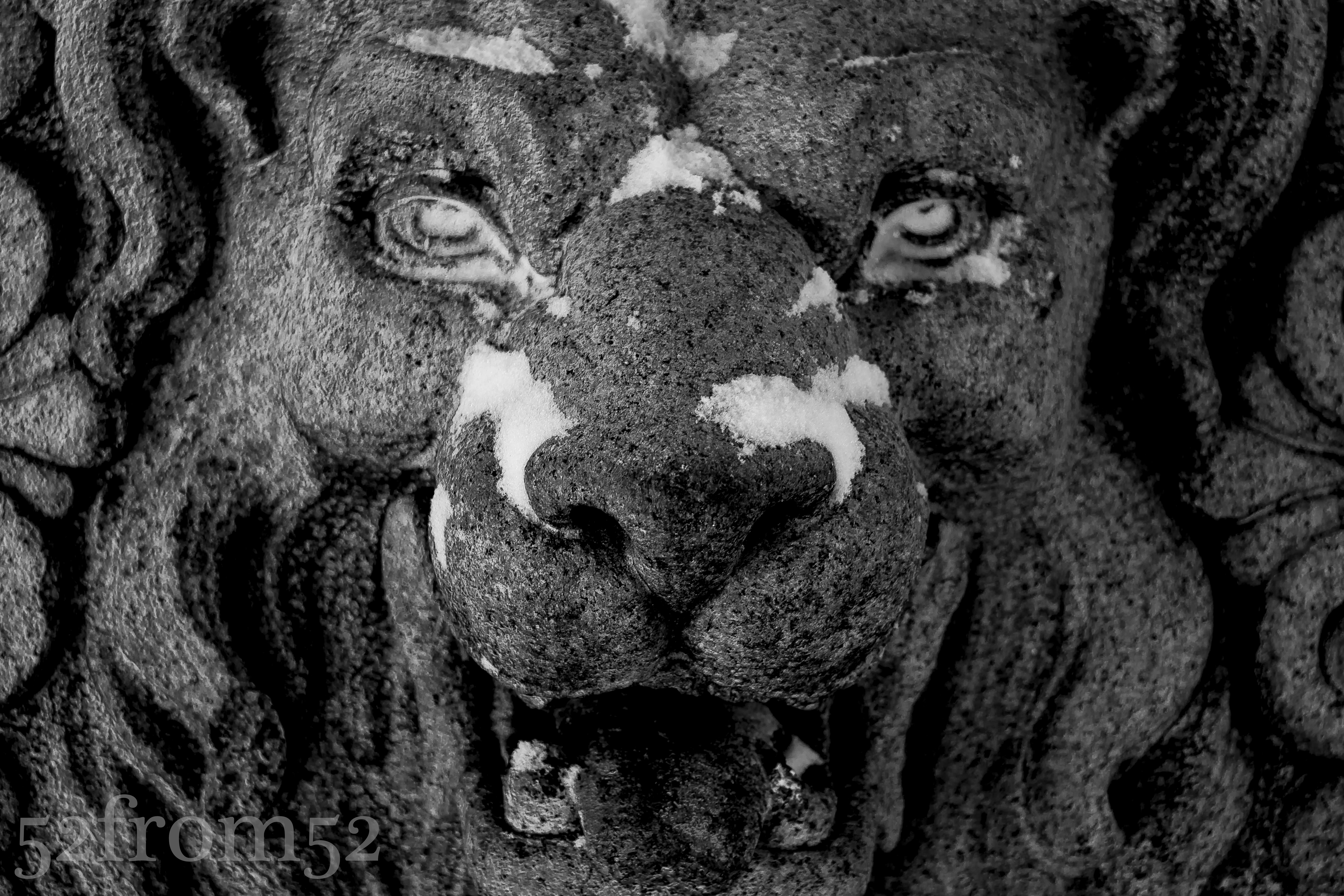
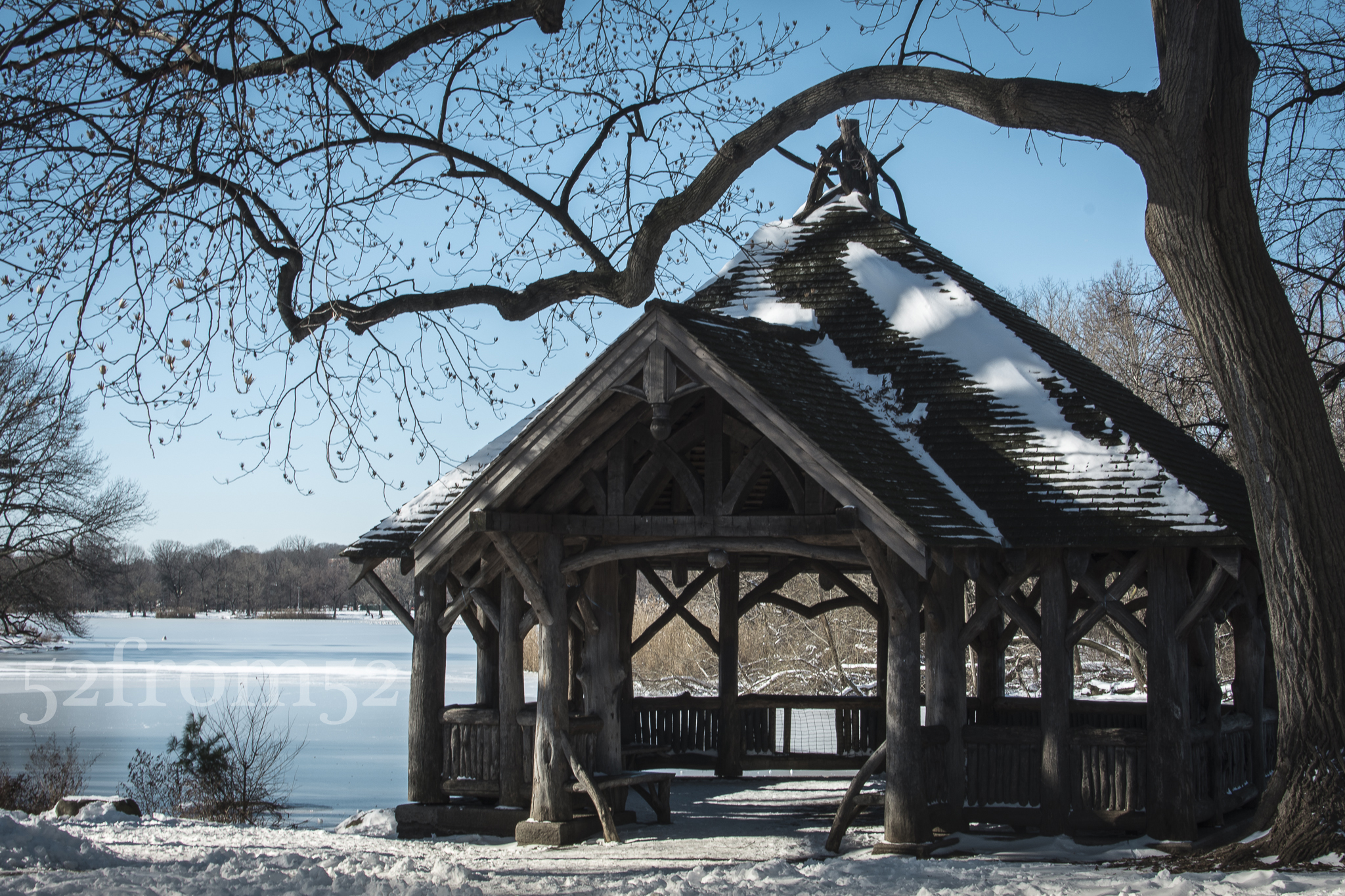
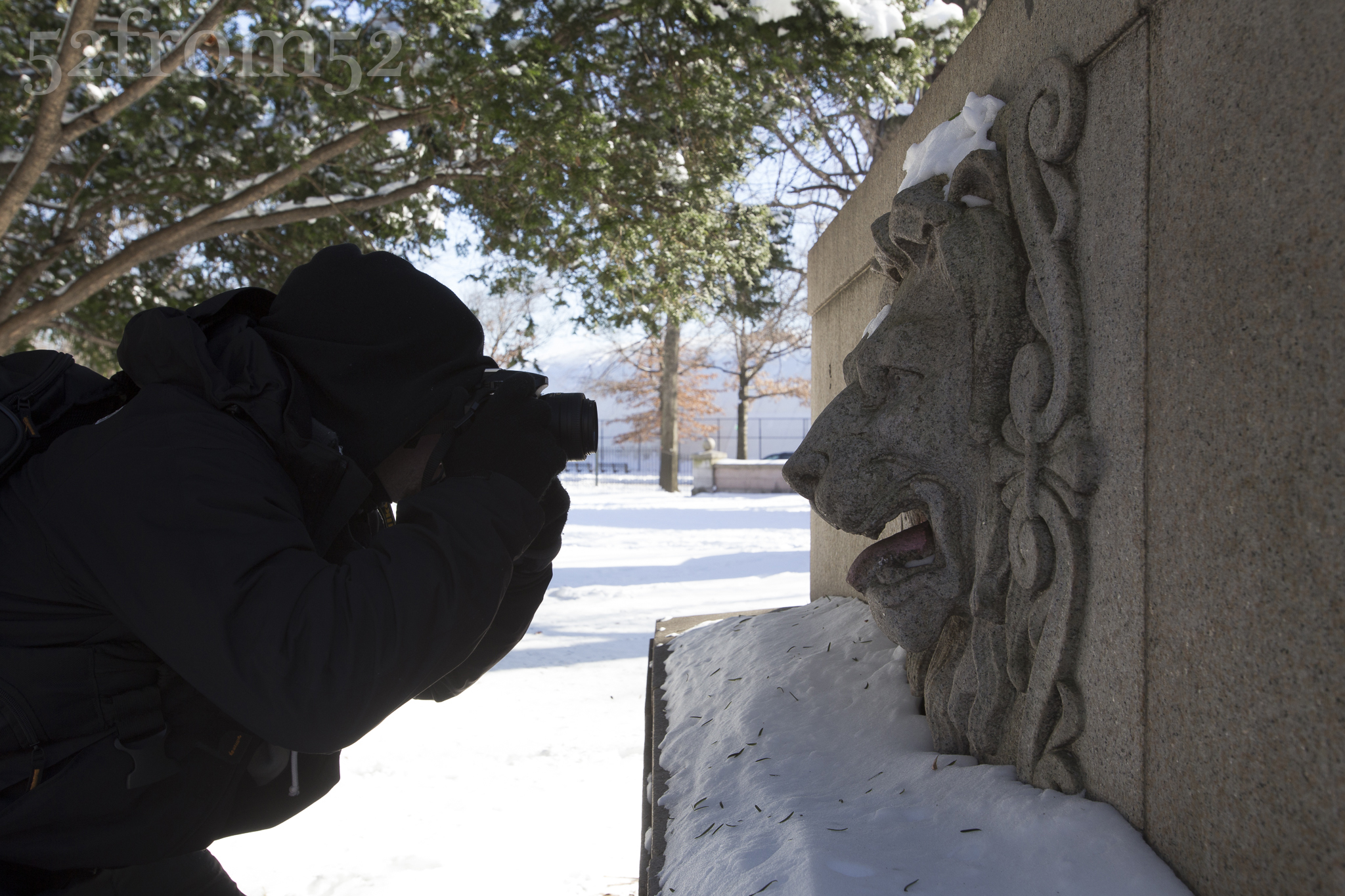
For about the next hour we worked our way East along the Southern perimeter of the park.  One of the most interesting parts of the trek was combing along the shore line of Prospect Park Lake.  The Lake was iced over and presented some temptation to venture out.  The temptation was cured after seeing “rescue ladders” which meant many have tried and failed.  I decided to steer clear yet at one point still almost managed to fall in.  As we reached the South/East corner of the park we spotted a gazebo built from logs that was nestled along the shore of the lake.  We stopped there for a while before working our way back to the main gates to end our trip.  Just as we were exiting the park I spotted this lion’s head that was built into the gates.  I shouted to my friend and said I had to get a picture of this.  As you may have guessed this is where I got this week’s picture and to date it might be my favorite picture from this blog.

Gazebo on the lake

Gazebo on the lake

Photography concepts:

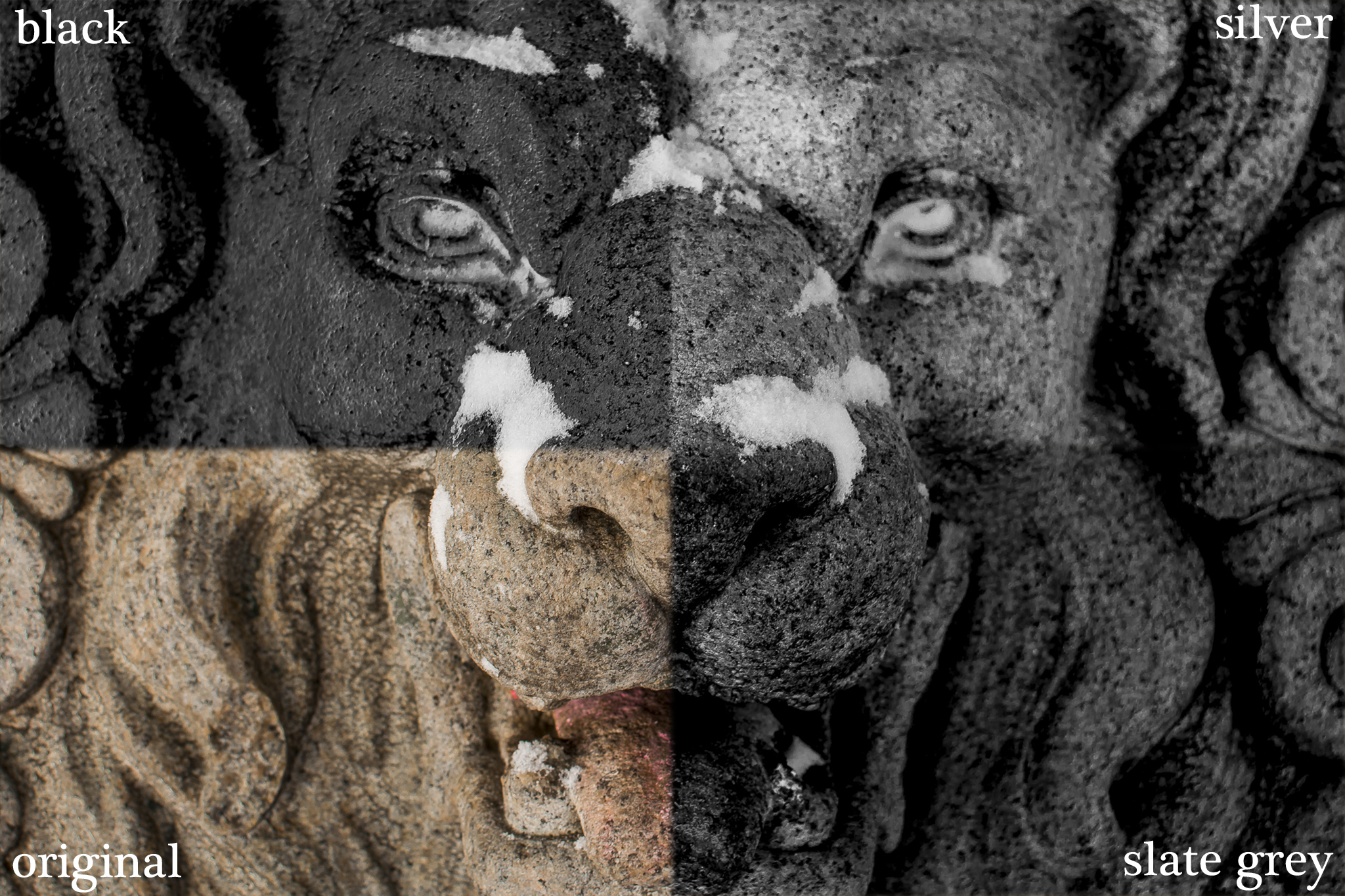
Throughout this week I’ve been experimenting with black and white pictures and the different editing techniques for them.  After watching some YouTube tutorials and doing my best to duplicate the editing in Lightroom, I’ve quickly realized how much fun black and white photography can be. After taking this week’s picture, although it looked perfectly good in color, I decided to flip it to black and white and see what happened.

Photo Credit; Roger Del Russo: www.delrusso.net

Photo Credit; Roger Del Russo: http://www.delrusso.net

I’m still very new to editing in black and white, but what I can already see as being the key are the different color sliders.  The color sliders allow you to focus in on colors such as Red, Orange, Yellow, Green, Aqua, Blue, Purple, and Magenta, and make adjustments.  Now you’re probably saying “wait isn’t this a black and white picture? Why would you adjust colors?”  Well, although it’s black and white the original picture’s colors are still part of the attributes and editable.  As you adjust the sliders you’re adjusting the levels of their representation in black and white.  In the case of this week’s picture I was able to blow out all the colors to make the lions face appear to be white/silver, or flip it to black.  In the end I decided to settle right in the middle and set the lion’s face to a grayish slate.  Focusing in on the colors is great because it allowed me to change the tint without losing the attributes of other colors such as the white.  I really like the contrast these sliders allowed me to create and I can’t wait to experiment with this more in the coming weeks.

wk22-lion-combo

If you’re new to this blog circle back and read some of my older posts.  In my earlier posts I’ve touched on subjects such as the rule of thirds, the triangle of photography and the different effects each point of the triangle (ISO/Aperture/Shutter speed) have on a photo.  As I’ve been progressing in my photography journey these are becoming more second nature and I’m beginning to focus more on editing techniques and changing the content that I shoot (people, close-ups, non-landscape).  I’m laying out some projects for 2014 so stay tuned and see what happens.

Sh-HOOT-ing with friends

Picture Info: ISO 100, 35mm, f/1.8, 1/1250 sec

Picture Info: ISO 100, 35mm, f/1.8, 1/1250 sec

Week 21 (12/23/2013 – 12/29/2013): DUMBO, Brooklyn

Picture taken on 12/28/2013 at 11AM

Picture Description:

Being an admitted cornball, I couldn’t pass up the opportunity to work “hoot” into this week’s title.  This Saturday marked the first time that I participated in what is often referred to as a “photowalk” in the photography world.  The idea was hatched by two of my friends, one a photography enthusiast like myself, and the other a professional photographer.  We kicked around some location ideas and eventually settled on DUMBO since it’s one of the more interesting and subject rich locations in the New York area.  DUMBO, located in Brooklyn, stands for Down Under the Manhattan Bridge Overpass.  Before Saturday I had never been to DUMBO so it was nice to finally cross it off my location bucket list. The area can get touristy not only because of the beautiful views but also because it’s home to the famous “Grimaldi’s Pizza”. Though not the original, there is a Grimaldi’s located in Hoboken so standing in line for pizza was not part of Saturday’s agenda.

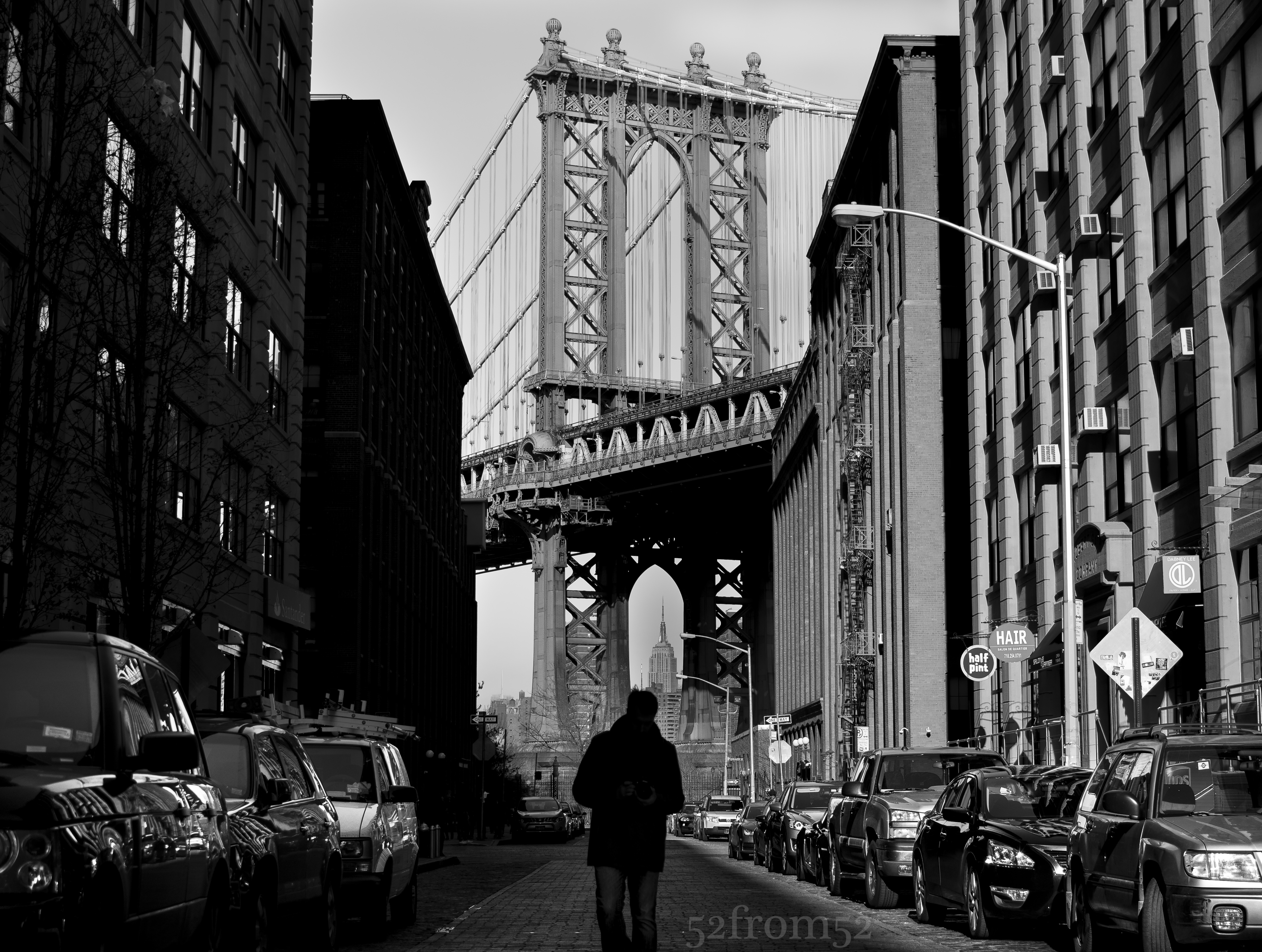
DUMBO Classic Picture

Classic DUMBO Picture

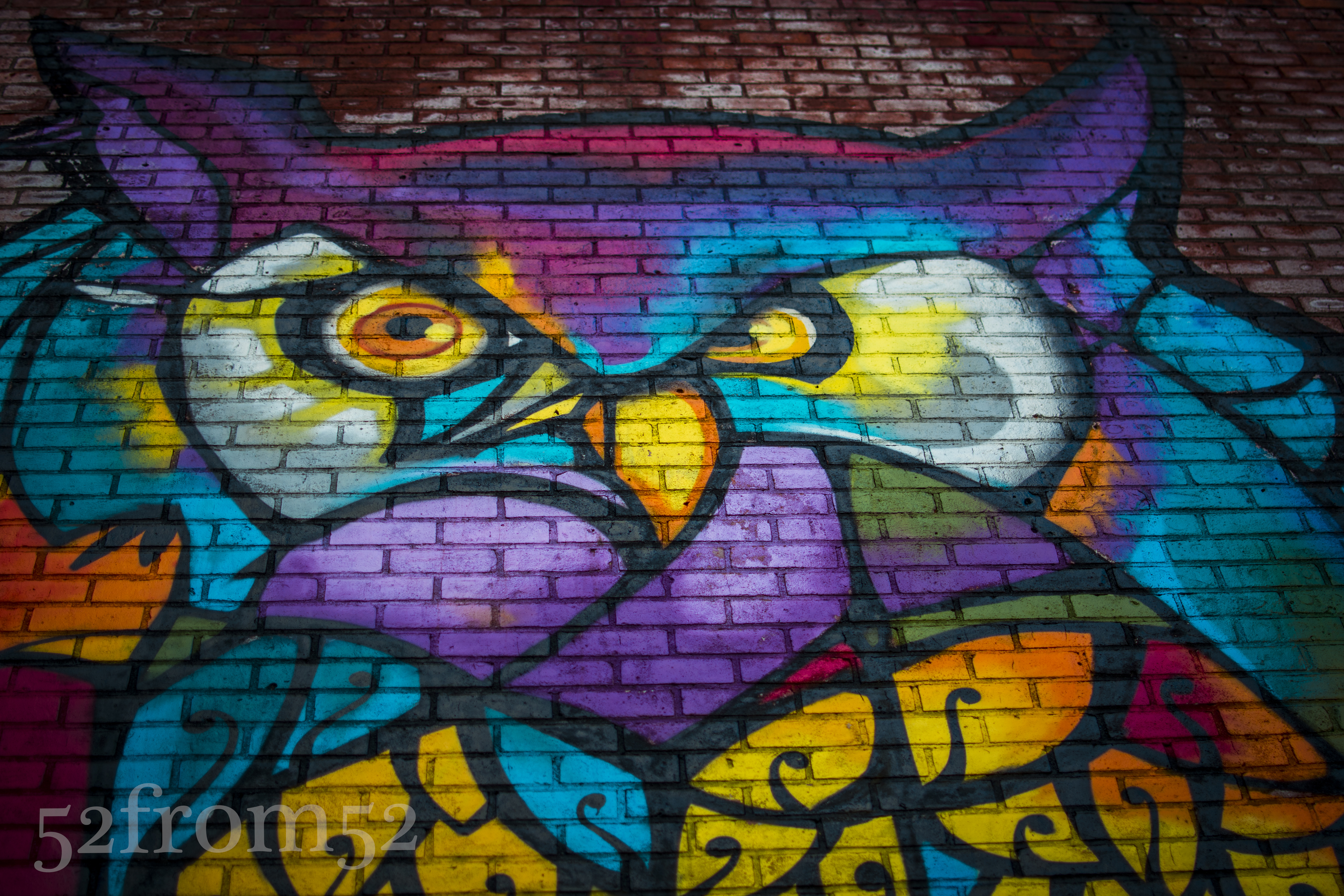
Shortly after arriving on location I spotted what I consider to be the classic DUMBO picture.  Although I didn’t want to use this as my featured picture, I couldn’t pass up the opportunity to take the shot.  We spent the morning walking around discussing different techniques, equipment and comparing pictures.  After walking around the east river’s shore line we decided to head into the streets to see if we could find some lunch and perhaps some graffiti.  Post lunch we stumbling upon the brick wall that contained this weeks picture.  All three of us worked the wall individually to find what we thought would be the best way to photograph it.  It was interesting seeing how other photographers approached shooting the same subject and how each of us had our own unique view.  After a few minutes of working on our own we compared pictures and tried our hand at duplicating each others shots. We continued doing this for a little while then eventually decided to call it a day.  While driving back to New York City we came to the conclusion that this shouldn’t be our first and only photowalk.  In the coming week’s expect more posts chronicling different “photowalks” and if you’re interested in participating in one shoot me an email.

Bokeh Owl Version

Bokeh Owl Version

Photography Concepts:

This week I learned less from my own shooting and more from the discussions and tips that were traded during the photowalk.  One of the biggest takeaways, which might come as a surprise to anyone familiar with photography, was the concept of spot metering.  Prior to this weekend I heard the term before but never really understood what it meant or where it would be applicable.  In a nutshell spot metering allows you to lock in the exposure you want then recompose and shoot your picture.  I didn’t get any good photo example  for spot metering this weekend but you can bet I’ll be experimenting more with this in the future and do a post on it.

Another subject that came up worth noting was white balance and the importance of doing it in camera.  I always thought that I could do white balancing during editing and there was minimal to no trade offs.  This however was not entirely true.  Essentially although you can fix white balance after shooting, by getting the correct white balance in camera I’ll have more flexibility in editing later.  I mainly shoot landscape and outdoors pictures, so luckily white balance hasn’t come into play that much for me thus far.  In 2014 my goal is to take more pictures of people so expect more posts on white balancing now that the subject is a lot less murky.

Springing into Winter

Picture info: ISO 250, 35mm, f/8, 1/1250 sec

Picture info: ISO 250, 35mm, f/8, 1/1250 sec, – 1 exposure stop

Week 20 (12/16/2013 – 12/22/2013): Central Park, Sheep Meadow

Picture taken on 12/21/2013 at 3:00 PM

Picture Description:

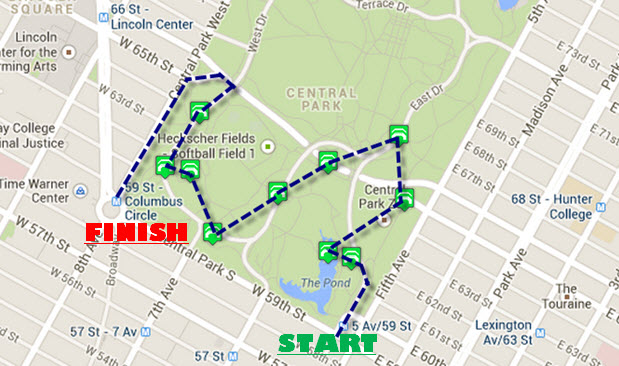
With Christmas less than a week away, New York City is buzzing with holiday festivities.  This week I decided to check out the Columbus Circle Holiday Market located at the south west corner of Central Park.  As the weekend approached, the weather forecast was calling for a warmer than usual day for December, so I decided to add a visit to Central Park to my agenda.  While visiting the Central Park website I noticed that on their map page you’re able to select specific destinations of interest within the park.  For weeks I’ve seen lots of great pictures taken of various arches and bridges in the park, which gave me an idea.  My idea was to use the map and plot out an “Arch and Bridge Tour” which would bring me to all of the southern arches and bridges, starting with the Gapstow bridge (South/East corner) which is adjacent to the ice rink.  With my plan set, all that was left was setting out on my weekend adventure.

Planned Arch/Bridge Tour

Planned Arch/Bridge Tour

My trip started with about an hour of fighting traffic and subway crowds prior to finally popping out of the 59th/5th subway tunnel.  Upon emerging from the subway  tunnel I was oddly greeted with the smell of spring.  If the streets weren’t packed with holiday decorations I would have swore to you that I had traveled back in time to April.  Even though I appreciated the nice weather I was a little disappointed, I really wanted to get some pictures of Central Park in the snow.  Later on my disappointment was cured by the much appreciated feeling in my fingers and toes I enjoyed throughout the day.

After visiting the first couple of bridges and arches, Gapstow included, I was running into issues with getting good compositions with my D5200.  The sky was getting washed out because it was earlier in the day than I usually shoot.  I also wasn’t able to fit enough of the landscapes that I was photographing into my 35mm lens frame.  Since the bridges weren’t cooperating I decided to cut my tour short and work my way to a part of the park called Sheep Meadow.  The large 15 acre “meadow” is special to me because it’s actually where I finally decided to due this blog.  Back in July I toured the park and ended up at the Meadow which I photographed and realized how fun it was to set out on photo adventures.  July’s trip cemented my idea and I moved forward with this blog, and I haven’t looked back since.

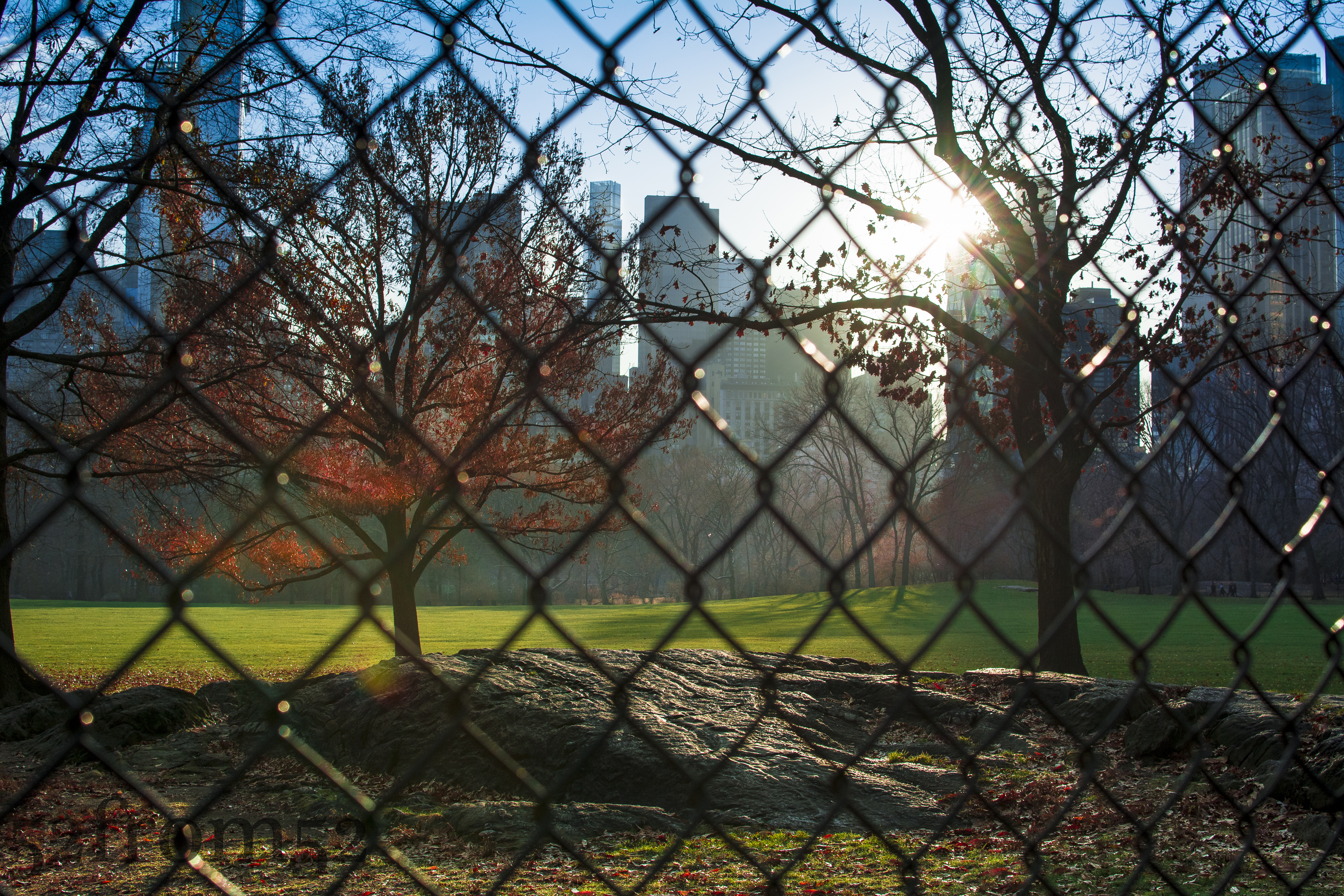
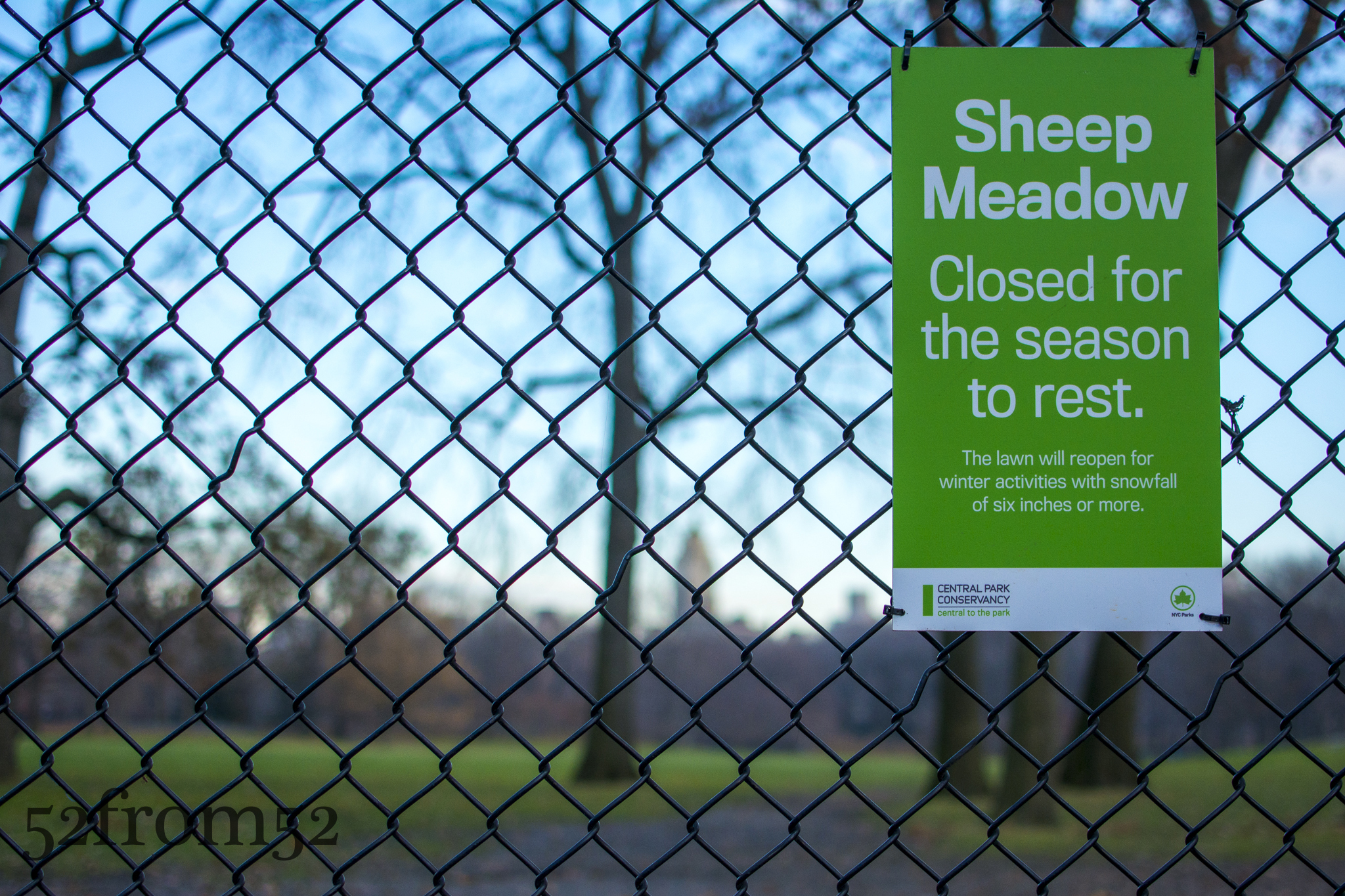
As I got closer to the Meadow I noticed that there were no visitors on the beautifully lush green lawn.  When I finally arrived at the fence surrounding the meadow I realized why it was so empty, it was closed for the winter.  Although I was disappointed this provided me with an opportunity to photograph the meadow without any visitors crashing my picture. I worked my way around the fenced perimeter shooting pictures above and through the fence. At the end of my trip around the meadow I spotted this week’s picture.  The way the rock picked up the sun with the contrasting green meadow really caught my eye.  Although the day didn’t turn out as planned, I was very pleased with this picture and really enjoyed my day in Central Park.

Sheep Meadow Closed!

Sheep Meadow Closed!

Photography concepts:

Over the past couple of weeks I’ve been experimenting with different editing techniques and applications.  I use Lightroom for all of my blog photographs but for Instagram, Facebook and Twitter I use Snapseed and VSCOCAM.  The advantage of Snapseed and VSCOCAM is that I’m able to give my pictures a little more “pop” with just a few clicks.  The disadvantage of both applications is that they don’t maintain the quality of the original picture, therefore they’re not suitable for editing pictures for this blog or any kind of high quality sharing.  All that being said, there is no reason why I can’t create the same type of vibrant images with Lightroom, it just takes a little more work.

Edited Location comparison

Edited Location comparison

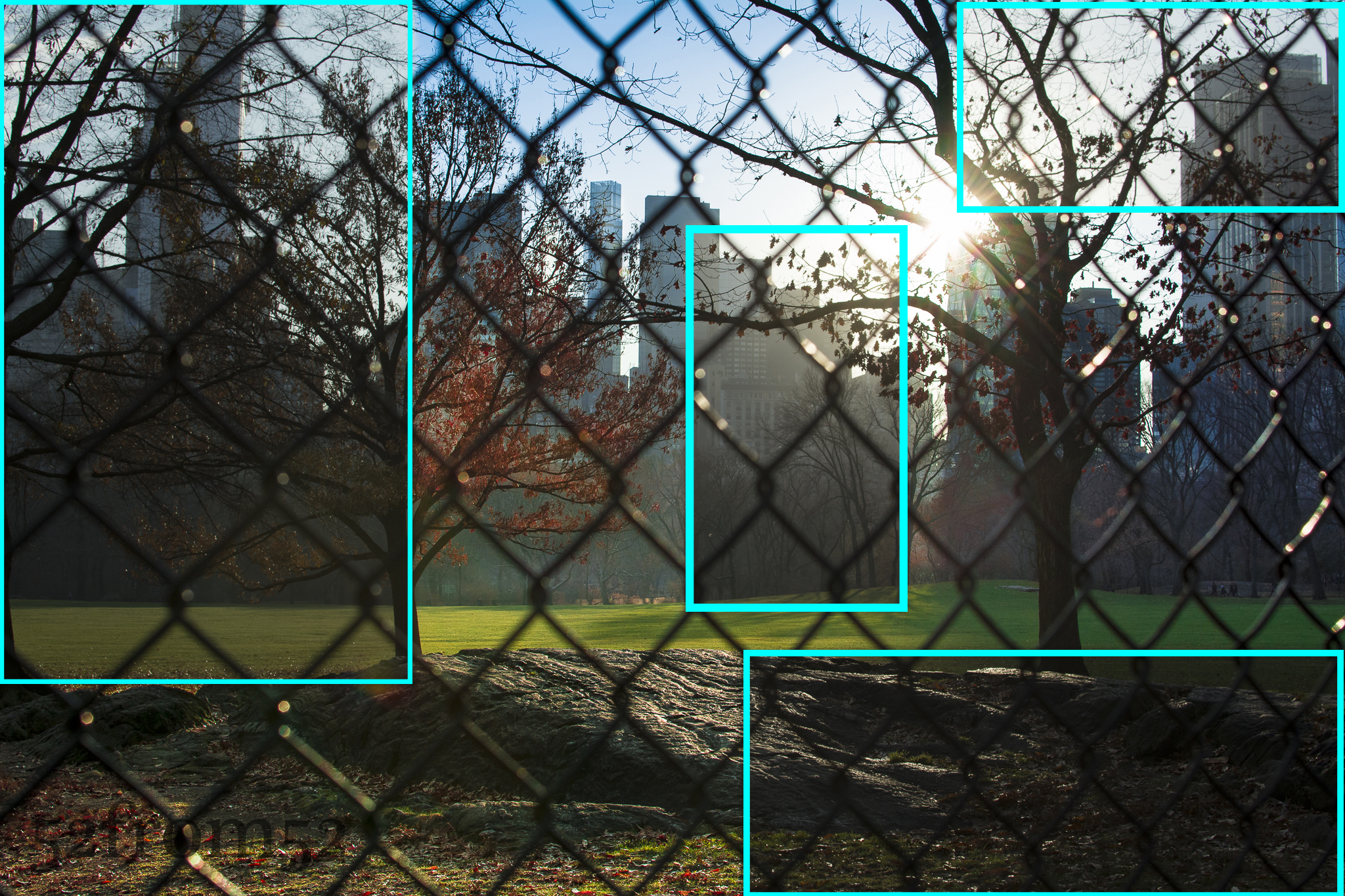
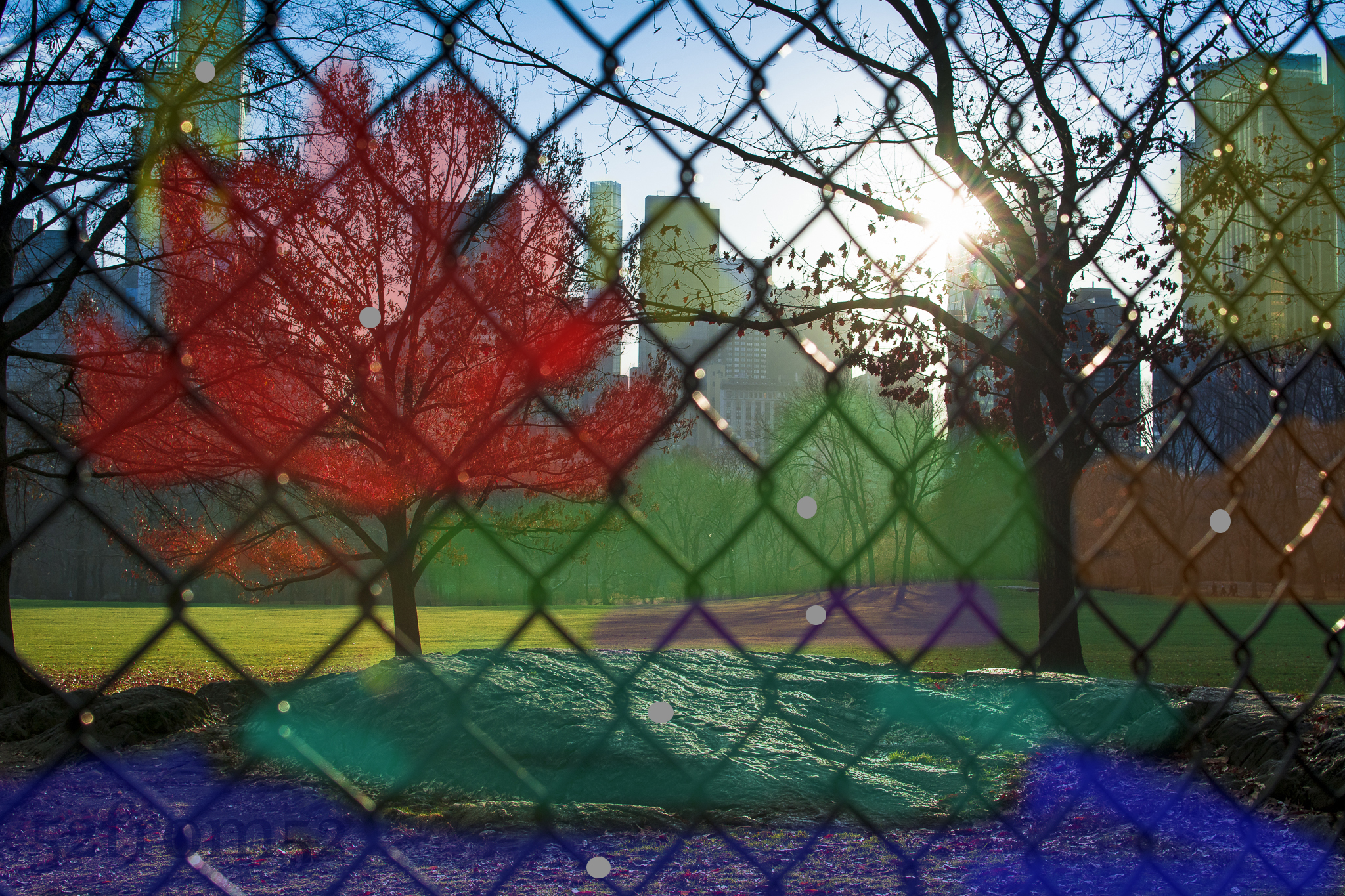
This week I put a lot more effort into editing specific details of my photograph, with the goal of creating a more vibrant picture.  I shot my picture straight into the sun which in turn caused a lot of shadows and dulled out the many of the colors in frame.  The way I corrected both issues was via Lightroom’s spot correction tool.  This tool allows you to do exactly what it sounds like, select certain area’s of your picture and adjust things such as color, exposure, contrast and so on.  I usually do these kind of adjustments globally (to the entire picture) or through the use of gradual filters.  In the past the issue I’ve run into is gradual filters aren’t good when you have to apply different settings to lots of different small areas.  This is where spot editing comes in handy.  The challenge that spot editing presents is keeping your picture looking a natural by manually blending your edits seamlessly into the picture.  You want to avoid creating obvious edit lines and look for natural breaks in your picture to tie your edits together.  Above and below are examples of before and after, along with a representation of the areas I focused in on with the spot edit tool.

Different colors represent different spot edits/localized adjustments

Different colors represent different spot edits/localized adjustments

Prior to editing the picture I obviously had to shoot one that was crisp and provided me with flexibility for editing.  To do this I underexposed my original picture and made sure I shot with a small aperture to keep more things in focus.  The last aspect of this picture I’ll briefly touch on is how lined it up. As I talked about in my week 16 post, framing a picture that’s shot into the sun can be tricky because you’re basically forced to use the live view.  I really don’t like taking pictures in the live view so what I do is line up my shot via live view, then switch the camera back to through the lens and fire away.  Once I get my first picture I adjust the composition via slight tilt and shift adjustments until I get the picture I want.  I used this method to get this picture and I think it worked well.